Why people search for social media calendar tools recurpost
Searches that pair a category term like 'social media calendar tools' with a specific product name usually mean the person already has a shortlist and wants to know what actually differs beyond the marketing page. That's a reasonable instinct: calendar tools look similar in screenshots but diverge in how they handle brand separation, content variety, and the review step before anything goes live.
This article won't rank or compare named competitors. Instead, it lays out the questions worth asking of any calendar tool, including ones named RecurPost or otherwise, so the evaluation is based on your team's actual workflow rather than a feature list.
Start from brand context, not from the calendar grid
Agencies and small teams running several brands typically hit the same wall first: a calendar view that treats every account as interchangeable. If a tool doesn't let you keep tone, visual style, and messaging separate per brand, someone ends up manually re-checking every post before it goes out, which defeats the purpose of scheduling in the first place.
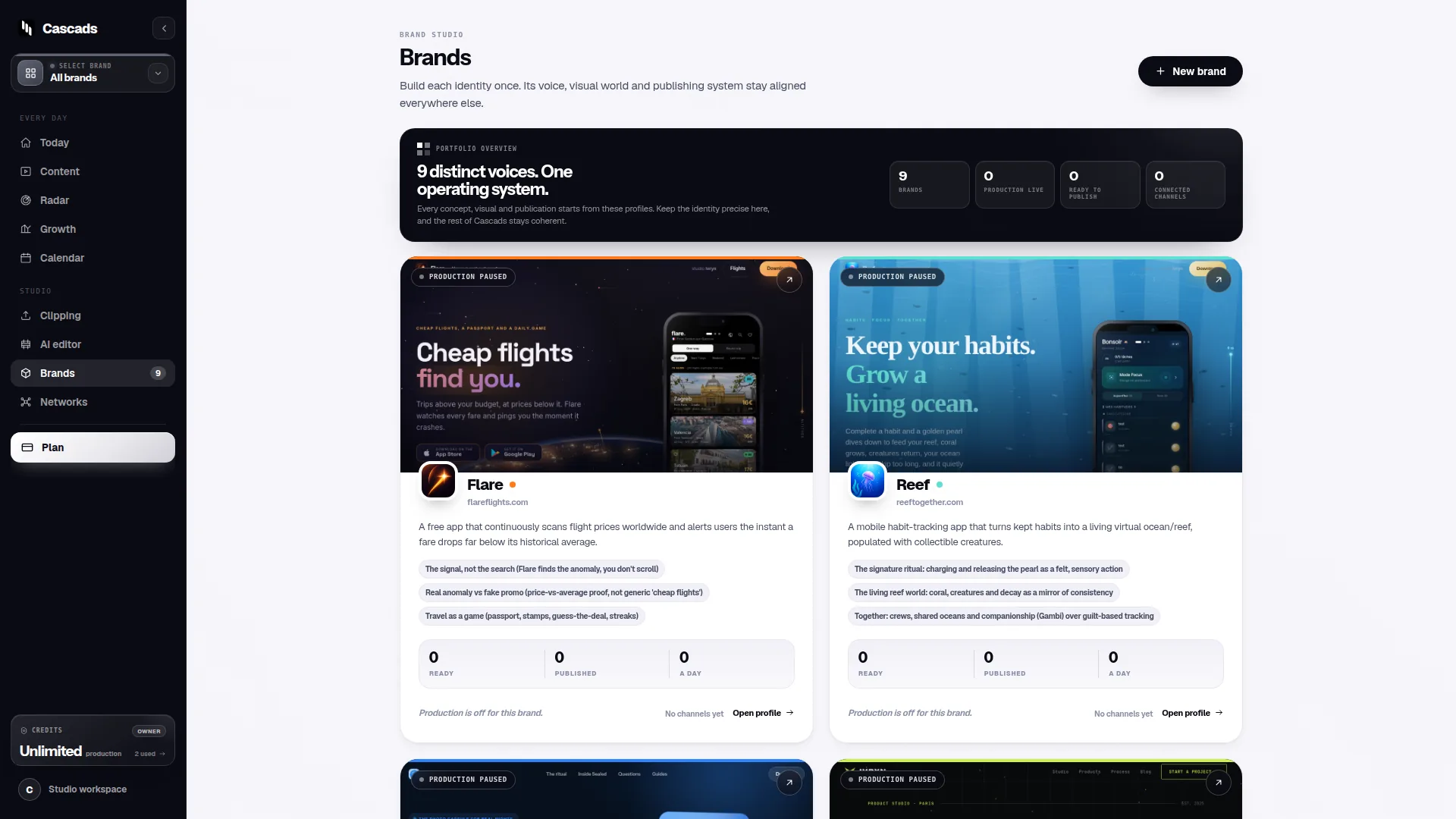
Cascads, an IVRYN product for social content production and scheduling, approaches this by keeping a reusable profile per brand, so recurring context like voice and visual preferences doesn't have to be re-entered for each new batch of content. That's a narrow, product-specific detail worth mentioning here because it directly answers the brand-separation question this section raises - it's not a claim about how other tools structure brand data.
When evaluating any calendar tool against this need, ask how brand-specific information is stored, whether it's reused automatically when generating or scheduling new content, and how easy it is to audit which brand a given draft belongs to before it's approved.
Multi-format production changes what 'calendar' even means
A calendar that only schedules single images or plain text posts solves a narrower problem than most teams actually have. Modern social output spans text posts, vertical video, and carousels, and each format has different production requirements - video needs pacing and captions, carousels need a coherent multi-slide narrative, text posts need to stand alone.
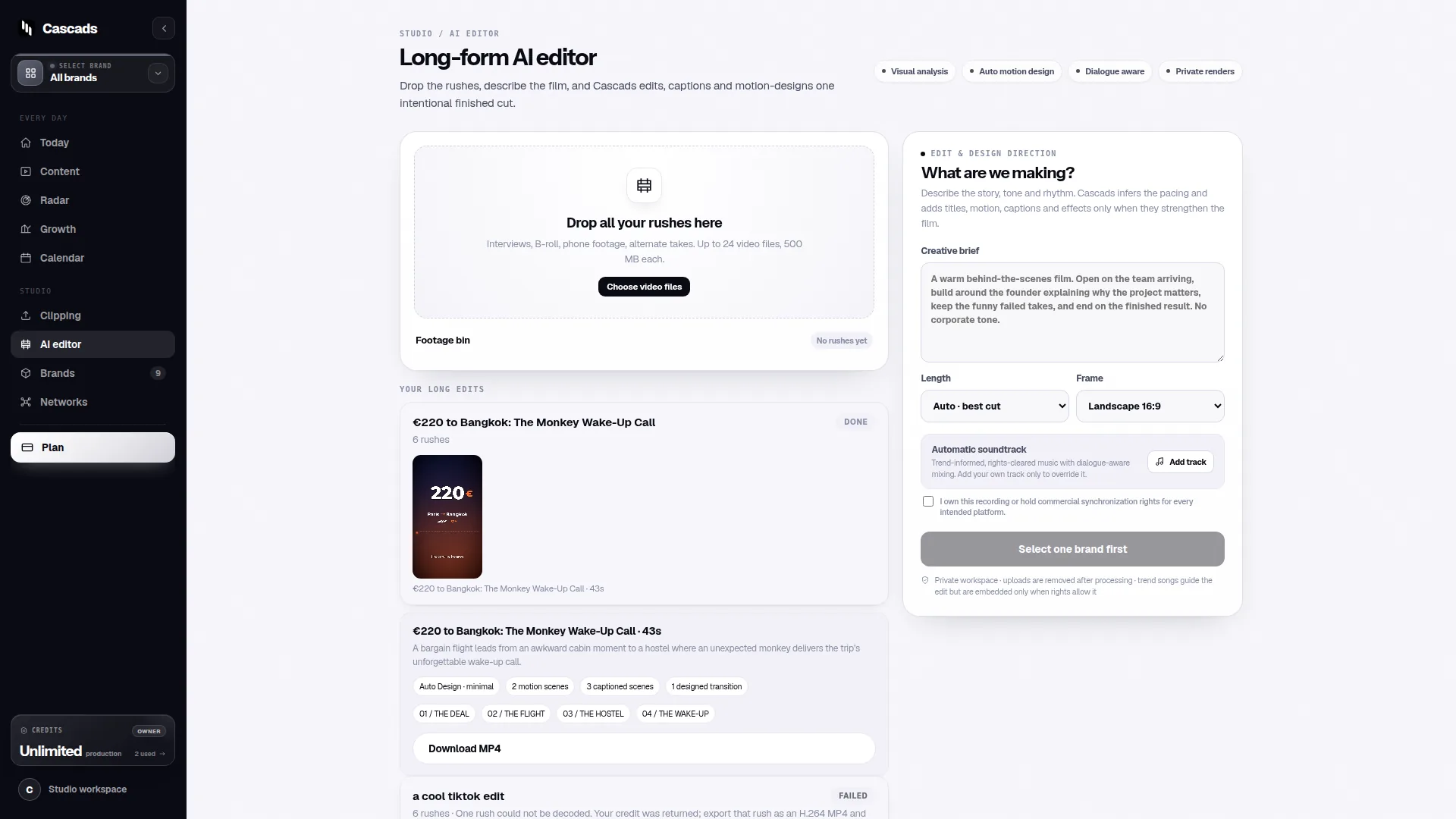
Some tools separate 'content creation' from 'scheduling' entirely, requiring you to produce assets elsewhere and only use the calendar for placement. Others, including Cascads, generate these formats directly from the brand profile, which reduces the number of handoffs between drafting and scheduling but doesn't remove the need for human judgment on each piece.
Whichever tool you're assessing, it's worth checking whether format support is genuinely native or bolted on, since that affects both production speed and how much manual rework is needed before something is publish-ready.
Human review stays part of the workflow regardless of automation
No matter how capable a scheduling or generation tool is, generated marketing output remains subject to human review before publication. That's true of Cascads and it's a reasonable baseline expectation for any tool that automates parts of content production, not a limitation unique to one product.
This matters for evaluation because some tools are designed with review as a first-class step - clear draft states, approval stages, visible edit history - while others treat review as an afterthought bolted onto a publish button. Teams managing multiple brands or client accounts should weight this heavily, since a missed review step on the wrong brand's account carries real reputational cost.
A practical filter: ask whether the tool shows you exactly what will be posted, in the format it will appear, before you approve it - not just a text summary or thumbnail.
Format-aware publishing and the limits worth knowing upfront
Direct publishing from any calendar tool depends on the network, the media format, the account's permissions, and external platform approval. This is a structural reality across the industry, not a shortcoming specific to any one product, and it's covered in general terms in Cascads' own publishing integration checklist.
Concretely, this means a carousel might publish natively to one network but require manual posting or a different workflow on another; a video format that one platform accepts instantly might need approval or a different aspect ratio elsewhere. These constraints shift as platforms update their APIs and terms, so a tool's current publishing coverage for a given network is not something to treat as fixed indefinitely.
Before committing to any tool, verify current publishing support for the specific networks and formats your brands actually use, rather than assuming broad 'multi-platform' claims cover every case identically.
A worked example: evaluating a tool for a five-brand agency
Example only, not a real case: imagine a small agency managing five client brands across text posts, short video, and carousels, with two people responsible for review before anything publishes. Their checklist for any calendar tool, RecurPost or otherwise, might look like this.
- Can each brand keep a distinct profile (tone, visuals, key details) without manual re-entry each time?
- Does the tool support all three formats natively, or does video/carousel production happen elsewhere first?
- Is there a clear draft-to-approved state so the two reviewers can see what's pending per brand?
- For each target network, what's the current status of direct publishing versus manual export, given account permissions?
- How is content history organized so mistakes can be traced back to a specific brand and reviewer?
Bringing the evaluation back to your own workflow
The honest answer to 'which calendar tool is best' depends more on your team's brand count, format mix, and review process than on any single feature comparison. A tool that's excellent for one brand and one format may add friction once you're juggling five brands and three content types with a review step in between.
Cascads is built around that specific combination - brand-specific profiles, multi-format generation, and a review step before publishing - which is a reasonable fit for teams facing exactly the constraints described above, but it's worth testing against your own brand count and network mix rather than taking that fit for granted.
Frequently asked questions
Do social media calendar tools publish content automatically without any review?
Generally no. Even when a tool schedules or generates content automatically, direct publishing depends on the network, media format, account permissions, and external platform approval, and generated output should still go through human review before it's published.
Why does brand separation matter more for agencies than for a single-brand user?
When managing several brands, a calendar tool that treats every account the same forces manual re-checking of tone and visuals for each post, which slows down the workflow. Reusable, brand-specific profiles reduce that repeated manual work and lower the risk of publishing off-brand content.
Can any calendar tool publish carousels or video to every network the same way?
No. Publishing support varies by network, media format, and account permissions, and platforms can change their approval processes and API support over time, so it's worth checking current publishing coverage for your specific networks rather than assuming uniform support.
Sources and further reading
These resources provide the wider reference frame. Product statements on this page are limited to the public information provided by Cascads.