
What “social media management github” usually means
Searching for social media management github often means looking for a transparent, version-controlled way to plan posts, store assets, coordinate changes, or connect content work to engineering processes. GitHub can be useful for documentation, templates, automation code, publishing integrations, and audit-friendly change history. It is less naturally suited to the day-to-day visual and editorial decisions involved in preparing content for several social networks.
Before adopting a repository-based workflow, separate the question of content governance from the question of technical implementation. A repository can show what changed and when, but it does not automatically establish who may approve a message, whether a video meets a network’s requirements, or whether an account is authorised to publish. Those decisions need named people, clear stages, and checks that fit the formats being produced.
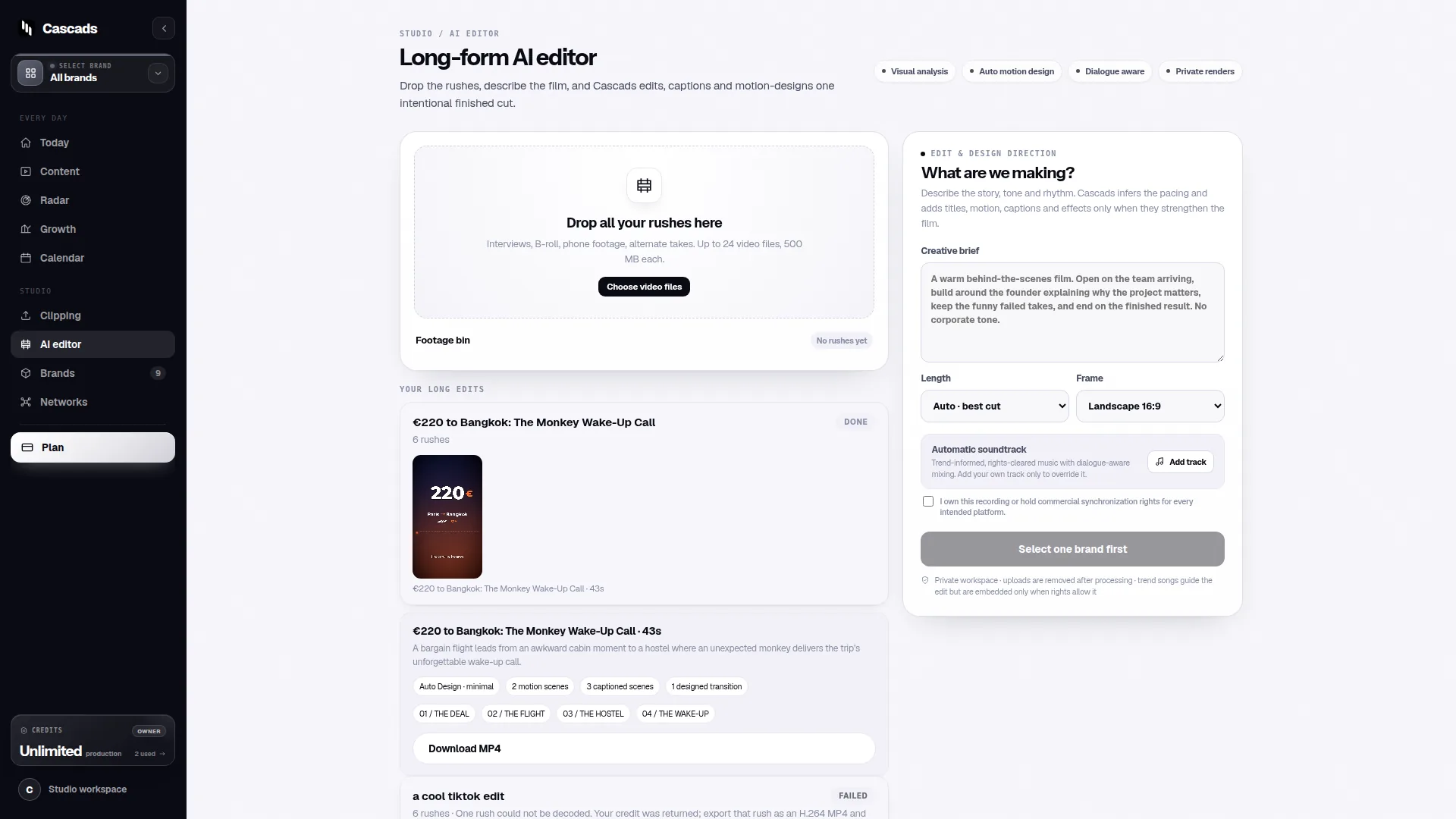
This guidance is bounded by Cascads’ public product context: Cascads is an IVRYN product designed to support social content creation and scheduling. It can create written posts, portrait-oriented videos, and carousel content from a reusable brand profile, while publication still requires people to review generated material before it goes live.
- Use GitHub for source files, templates, automation, and documented decisions.
- Use an editorial workflow for review, ownership, and final publication readiness.
- Treat network publishing as a separate operational capability, not an automatic result of storing content in a repository.
When GitHub is a good fit for social content operations
GitHub is most useful when social content work has a meaningful technical component. An agency may keep reusable post schemas, prompt libraries, asset-processing scripts, API integration code, campaign data, or network-specific validation rules in a repository. Pull requests can make proposed changes visible before they are adopted, especially when developers and content teams share responsibility for the workflow.
It can also help multi-brand teams preserve context. A repository can hold a brand’s approved terminology, content constraints, campaign calendars in structured files, and instructions for how outputs should be handed to a production or scheduling system. The value is not that GitHub replaces editorial judgement; it is that it makes reusable rules and changes easier to inspect.
GitHub becomes a poor fit when it is used as the sole inbox for copy approval, visual feedback, urgent calendar coordination, or account-level publishing decisions. Non-technical contributors may find issue threads and pull requests cumbersome for everyday review. If a team uses GitHub, it should decide which work belongs there and which work belongs in a content-oriented workspace.
- Good candidates: reusable templates, integration code, structured briefs, validation rules, and change logs.
- Use plain-language contribution guidance so non-engineers know what to review.
- Avoid making repository access the only route for approving creative work.
Social media management github: the limits to check before acting
The main limit is that version control does not equal publishing permission. Even with a polished repository and an automated handoff, direct publication may be unavailable for a particular destination. It depends on the social network, the media type, the permissions attached to the account, and any approval required by the outside platform.
Format is equally important. A text post, a vertical video, and a carousel do not have the same preparation or publishing requirements. A useful workflow records the intended network and format early, then checks whether the asset, metadata, account connection, and publication path support that exact combination. A general “publish to social” status is too vague to reveal the real constraint.
The publishing integration checklist is a useful framing source here: assess the network connection, account access, supported publishing path, media requirements, and the handling of failures before promising a seamless workflow. In practice, this means preparing a fallback such as a ready-to-upload export and a clear owner for manual posting when a direct route is not available.
Human review remains a deliberate control point. Generated content can accelerate drafting, but it should not bypass brand, factual, legal, or campaign review. The approval-workflow guide supports the broader principle of assigning roles and stages so that content does not move from draft to publication merely because it is technically ready.
- Check the target network and exact post format together.
- Confirm which account role and external approval are required.
- Define a manual fallback and the person responsible for using it.
- Require a final human sign-off before publication.
Example: a practical decision aid for a three-brand agency
Example: an agency manages three brands and wants to keep brand instructions and automation code in GitHub while producing weekly LinkedIn posts, Instagram vertical videos, and carousel campaigns. The agency should not begin by asking whether GitHub can “run social media.” It should map each content type to its production, approval, and publishing route.
For each planned item, the team can use a four-question decision aid: What brand context is required? What format and network are intended? Who gives editorial approval? Can this exact combination be published directly, or does it need a manual handoff? If any answer is unknown, the item stays in preparation rather than being treated as scheduled.
For instance, the agency might store a versioned brand brief and approved voice guidance in GitHub. Content production can then use that context to create draft text, vertical video concepts, and carousel structures. A reviewer checks the proposed output against the brief, then a publisher verifies the specific network route. If the destination does not support direct publishing for that media type or account setup, the final approved asset is exported with its caption and upload instructions for manual posting.
This arrangement avoids two common mistakes: assuming that an approved draft can always be published automatically, and assuming that a technical integration removes the need for editorial accountability. It also gives each person a clear next action when a publishing constraint appears.
- Brand context: locate the current approved brief and campaign restrictions.
- Production: create the correct text, vertical-video, or carousel deliverable.
- Review: obtain named human approval for the final content.
- Publishing: verify the network, format, account permission, and platform approval path.
- Fallback: package approved assets for manual upload when needed.
Building a workflow that keeps context without slowing people down
Start with a small, explicit operating model. Define where each brand’s reusable context lives, where drafts are created, where visual and editorial feedback happens, and where final publishing status is recorded. A GitHub repository can be the source for technical and structured materials, but it should link clearly to the workspace used by people who need to review content without changing code.
For multiple brands, keep context separate enough to prevent accidental crossover. That can mean distinct folders or configuration files for each brand, along with a simple naming convention for campaigns, networks, and formats. The purpose is not bureaucracy; it is to help a creator or reviewer understand which voice, audience, restrictions, and asset rules apply to the item in front of them.
Cascads can fit into this model as a social production and scheduling workspace that uses a reusable profile for each brand to support creation across copy, vertical video, and carousel formats. The practical boundary is important: generated output should move through human review, and the availability of direct publication must be confirmed for the relevant network, format, account permissions, and external approval conditions.
Make status labels specific. “Ready” should mean ready for a named next stage, such as “ready for editorial review,” “approved for publishing check,” or “ready for manual upload.” This is more useful than a single generic completion state because it distinguishes a content decision from a platform capability.
- Keep reusable brand context current and attributable to an owner.
- Label content by brand, network, and format from the first draft.
- Use stage-specific status labels instead of one broad “done” label.
- Review failures and manual handoffs as workflow signals, not exceptions to hide.
A sensible next step before choosing or building anything
Run a short pilot using a small representative set of posts rather than redesigning the entire operation. Include one text post, one vertical video, and one carousel across the networks your team actually uses. For each item, document the source context, review owner, publication requirement, and fallback route. The result will show whether GitHub is helping with the parts it is good at or being asked to manage work better handled elsewhere.
The pilot should also test the handoffs, not just the creation process. Can a reviewer understand the brand context? Can the publisher see the final approved version? Does the team know what to do if a direct-publishing route is unavailable? These questions are more actionable than a broad comparison of tools because they expose the constraints that determine whether a workflow can be operated reliably.
Use the two approved guides as operational references: the publishing integration checklist for assessing connection and format dependencies, and the approval workflow guide for defining accountable review stages. Neither source removes the need to verify current platform conditions for the account and format you intend to use.
- Pilot one week or one campaign, not every brand at once.
- Include multiple formats and at least one likely manual handoff.
- Record unclear permissions or publishing dependencies as open decisions.
- Only expand after owners and fallback steps are clear.
Frequently asked questions
Can GitHub publish social media posts by itself?
No. GitHub can store code, content specifications, and automation logic, but publishing still depends on the target network, the specific media format, account permissions, and any external platform approval.
Why is human review necessary for generated social content?
Human review provides an accountable check of brand fit, factual accuracy, campaign requirements, and publication readiness before generated content is released publicly.
How can a multi-brand team use Cascads alongside GitHub?
A multi-brand team can keep technical assets and versioned brand documentation in GitHub while using Cascads to produce and schedule text posts, vertical videos, and carousels from reusable brand profiles, with human approval and format-specific publishing checks built into the process.
Sources and further reading
These resources provide the wider reference frame. Product statements on this page are limited to the public information provided by Cascads.