Start with the purpose of the scheduled post
If you are asking how to schedule a post on teams, begin before the calendar. A reliable schedule is not simply a date and time attached to a draft; it connects a clear message, the right brand context, the intended network and a person responsible for review.
For small teams and agencies, this matters because one campaign may serve several brands and channels at once. Define the post’s objective, audience, campaign, owner and destination before production begins. This makes it easier to see whether two posts compete for the same attention, whether a message belongs to the correct brand, and whether the scheduled version still matches the campaign.
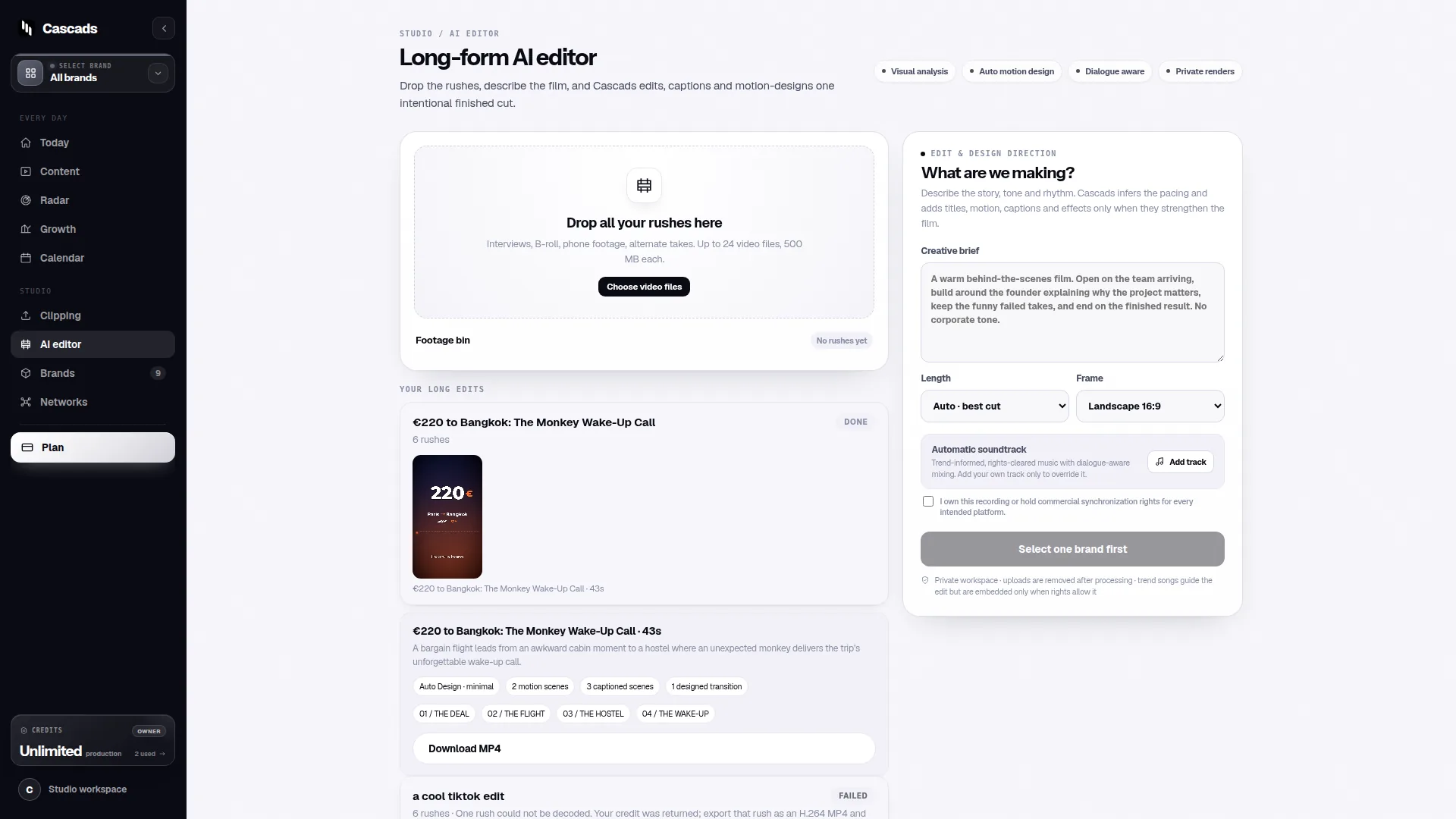
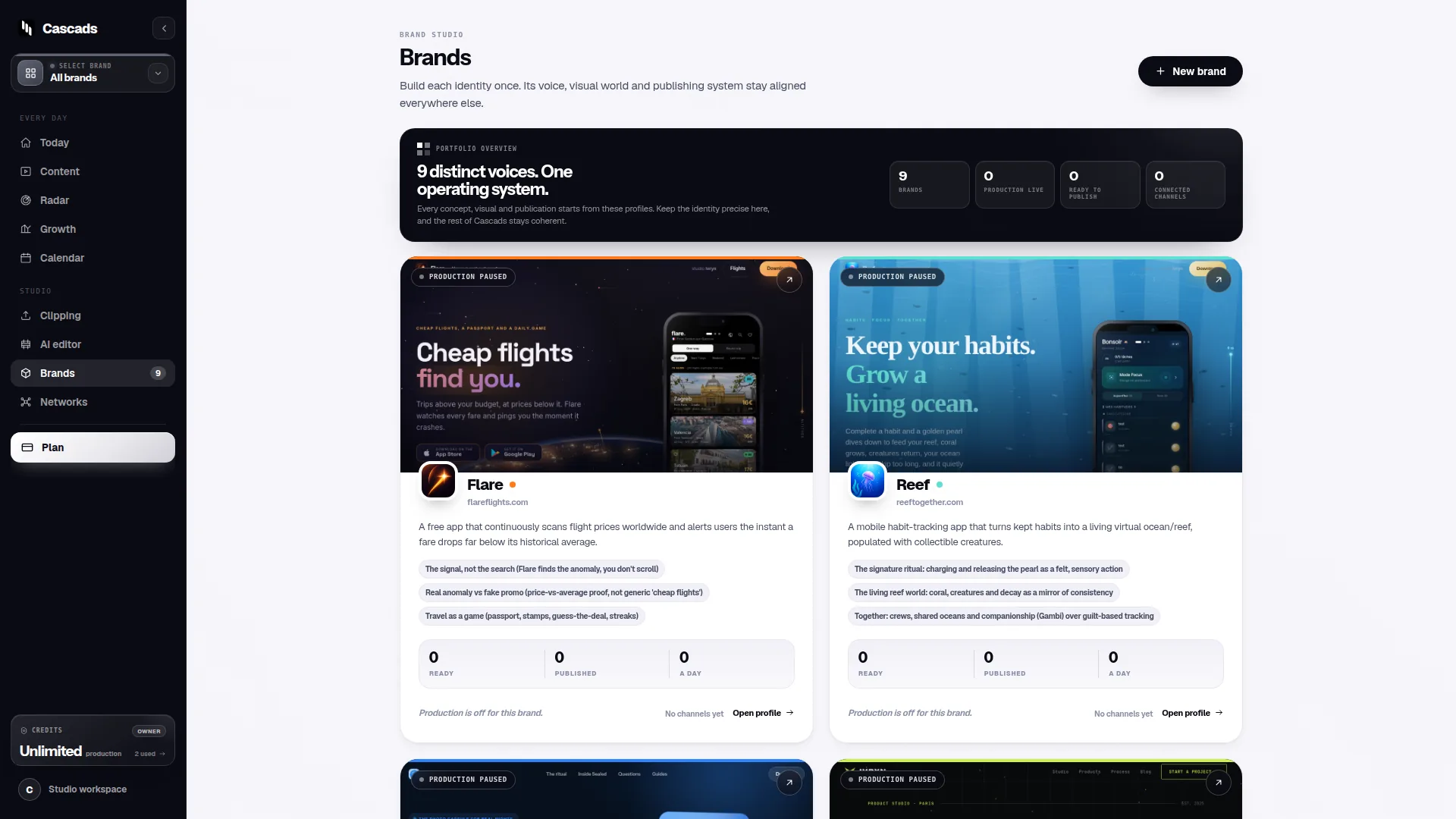
Cascads is an IVRYN product for social content production and scheduling. It can generate text posts, vertical videos and carousels from a reusable profile for each brand. That product context supports an organized workflow, but it does not remove the need to check content before publication.
- Record the brand, campaign and intended audience.
- Assign one accountable reviewer and one publishing owner.
- List each target network and the intended format for it.
How to schedule a post on teams: build the right version first
A team should schedule a finished, channel-appropriate version rather than treating one master draft as automatically ready everywhere. A short text post, a vertical video and a carousel each place different demands on the creative, caption, media and calls to action.
Use your reusable brand profile as a starting point for voice, product framing and recurring context. Then adapt the asset for the destination. For example, a vertical-video idea may need a concise caption and a clear visual opening, while a carousel may need a logical slide order and legible text. The scheduling decision should come after those format choices are visible.
This is where multi-format production becomes practical. Produce the variants together when they share a campaign, but review them separately. A message can remain consistent across networks without being copied identically across every placement.
- Check that the caption matches the asset actually attached.
- Confirm that media dimensions and sequence fit the chosen format.
- Make calls to action understandable without relying on another network’s context.
Set the calendar around dependencies, not just preferred times
Once the post is ready, place it on a shared calendar with enough context for another teammate to understand the decision. Include the campaign, network, format, status, owner and review deadline. This prevents a schedule from becoming a list of dates that only its creator can interpret.
Choose the scheduled time in relation to practical dependencies. The final asset may still be awaiting approval, a linked campaign page may not be ready, or a different brand may have a conflicting announcement. A slightly later slot is usually more useful than an earlier slot built on unfinished work.
For agencies, use the calendar to separate production status from publishing status. A post can be drafted, internally reviewed, client-approved and scheduled as distinct states. That distinction helps teams avoid treating a planned date as permission to publish.
- Leave time between review due date and publishing time.
- Flag posts tied to launches, events or approvals outside the content team.
- Use clear status labels so drafts cannot be mistaken for approved posts.
Check format-aware publishing limits before you rely on automation
Scheduling does not guarantee that every network will accept every post in the same way. Direct publishing depends on the network, media format, account permissions and external platform approval. Treat these conditions as part of the schedule, not as a technical detail to discover at the final minute.
Before confirming a date, verify that the intended destination account is connected with suitable permissions, the selected format is eligible for the planned publishing method, and any required external approval is in place. The publishing integration checklist is useful grounding for this type of preflight check: https://cascads.com/guides/social-media-publishing-integration-checklist/.
When direct publishing is not available for a particular combination of network, format or permissions, plan an alternative handoff. That might mean preparing the approved asset and caption for a designated teammate to publish manually. The important point is to make the exception visible in the calendar rather than presenting it as an automated publication.
- Confirm the connected account and relevant permissions.
- Confirm the destination network and selected media format.
- Mark manual-publishing steps, owners and deadlines when needed.
Use human review as a publishing gate
Generated marketing output remains subject to human review before publication. This is especially important when teams generate several drafts quickly: speed in production can make it easier to overlook an outdated claim, an unclear visual, a missing disclosure or a mismatch with the brand’s current priorities.
A practical review asks two different questions. First, is the content appropriate for the brand and campaign? Second, is this exact format ready for this exact destination? Keep those questions separate so a reviewer does not approve a general concept while assuming someone else has checked the final carousel, caption or video version.
An approval workflow should show who needs to approve, what version was reviewed and what happens after changes. The social media approval workflow provides relevant public guidance for organizing that handoff: https://cascads.com/guides/social-media-approval-workflow/. If an edit changes the meaning, asset, format or destination, return the post to the appropriate review stage rather than relying on an earlier approval.
- Review the final copy, attached media and destination together.
- Capture requested changes and the version that resolved them.
- Do not publish a changed post solely because an earlier draft was approved.
Worked example: a small agency schedules one campaign across formats
Example: A three-person agency is preparing a product-awareness campaign for two client brands. For Brand A, it creates a text post and a carousel; for Brand B, it creates a vertical video. Each item begins with its own reusable brand profile, campaign label, target network and accountable reviewer.
The team puts all three items into a shared calendar. The carousel is scheduled only after its slide order, final caption and target network are reviewed together. The vertical video is checked separately for its selected format and destination-account permissions. The text post is assigned to a different publishing slot so it does not collide with the carousel’s campaign message.
The agency then marks the carousel as scheduled for direct publishing only after the format-aware publishing checks are complete. If the video’s destination cannot be directly published under the available conditions, the calendar assigns a teammate to publish the approved final materials manually at the planned time. This preserves accountability without assuming every network-format combination behaves alike.
- Decision aid: schedule directly only when account, permissions, format and approval are all confirmed.
- Decision aid: if any one of those conditions is unresolved, schedule a review or manual-publishing task instead.
- Decision aid: after a material edit, move the item back to review before restoring its scheduled status.
Frequently asked questions
Can a team schedule one social post to every network?
A team can plan one campaign across several networks, but each destination may need its own content version and publishing check. Direct publishing depends on the network, media format, account permissions and external platform approval.
What should be approved before a social post is scheduled?
Approve the final copy, attached media, intended format, destination network, brand context and publishing responsibility. If later edits change the meaning, asset, format or destination, send the post through review again.
Does scheduling remove the need for human review?
No. Generated marketing output should be reviewed by a person before publication. Scheduling organizes timing and handoffs; it does not establish that a post is accurate, on-brand or suitable for its selected format.
Sources and further reading
These resources provide the wider reference frame. Product statements on this page are limited to the public information provided by Cascads.