What “best tools for automating social media posts” should mean
People searching for the best tools for automating social media posts are usually not looking for automation alone. They need a dependable workflow for turning campaign ideas into channel-ready content, coordinating feedback, and publishing at suitable times without losing control of brand quality.
For small teams and agencies, the best fit is rarely the tool with the longest feature list. It is the one that supports the work that actually creates friction: maintaining distinct brand voices, producing more than one post format, routing drafts for review, and respecting the publishing rules of each destination.
Automation should therefore be evaluated as a workflow decision. A tool may help prepare, organize, approve, schedule, or publish content, but those steps do not carry the same operational risk. The closer a workflow gets to public publication, the more important permissions, platform support, asset requirements, and human accountability become.
- Start with the bottleneck: content creation, approvals, scheduling, or publishing.
- Assess each network and format separately instead of assuming one connection covers everything.
- Treat review as part of automation design, not as an exception after content is generated.
Evaluate tools by the workflow, not the promise of autopilot
A useful evaluation begins by mapping the content path from a reusable brand brief to publication. Ask whether the system can preserve the relevant context for each brand, whether it can create the formats your plan requires, and whether the team can see what is awaiting approval or publication.
Brand context matters because a shared team may work across products, clients, audiences, and tones. A generic queue of post ideas can be fast, but it can also make it easier to apply the wrong voice, offer, or visual direction. Look for a workflow that makes the active brand clear before content is created or approved.
Multi-format production matters for the same reason. A text post, vertical video, and carousel are not interchangeable outputs. Their assets, captions, timing, and platform handling can differ. A practical tool should help your team plan format-specific work rather than presenting all content as identical publishable units.
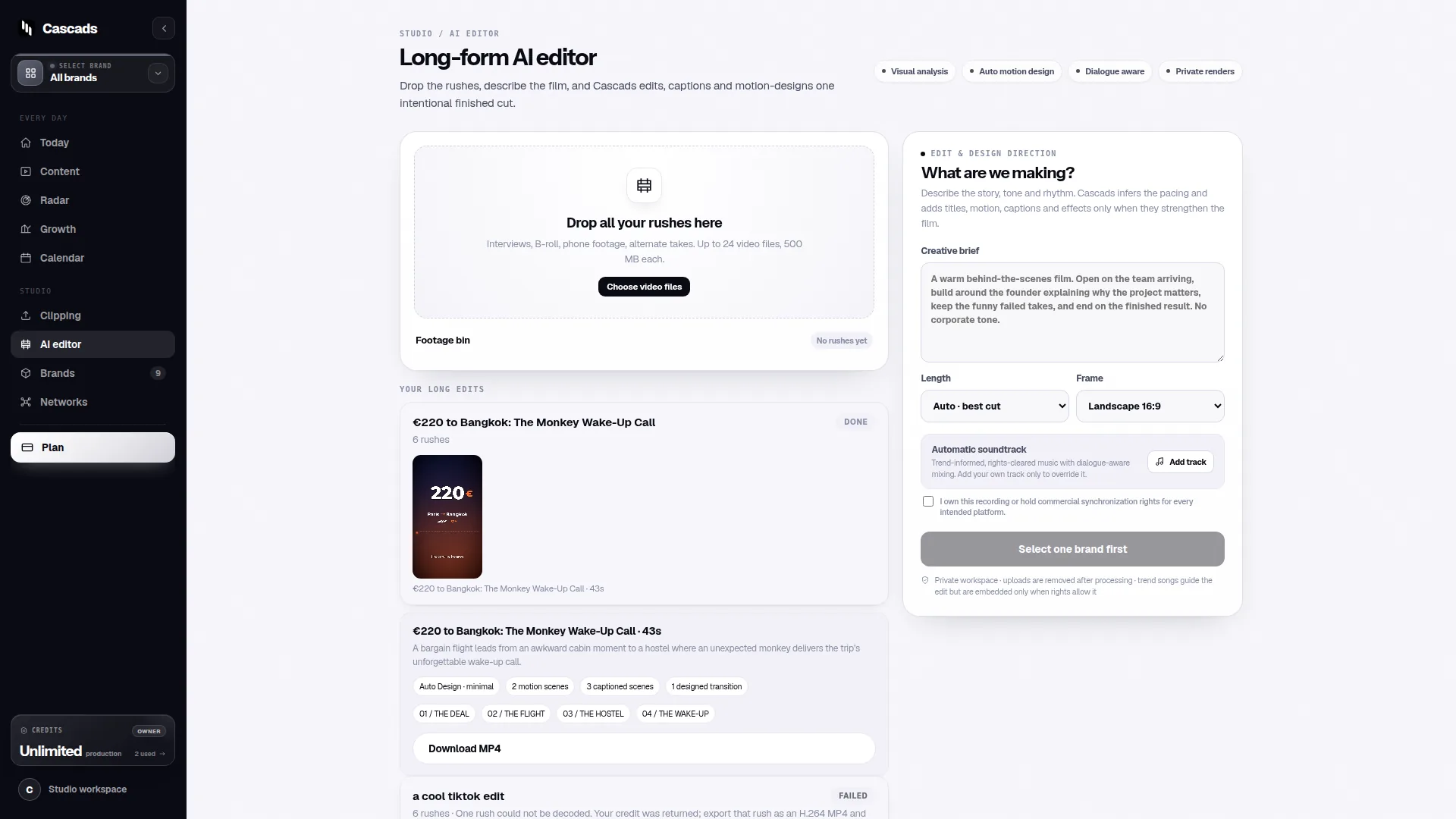
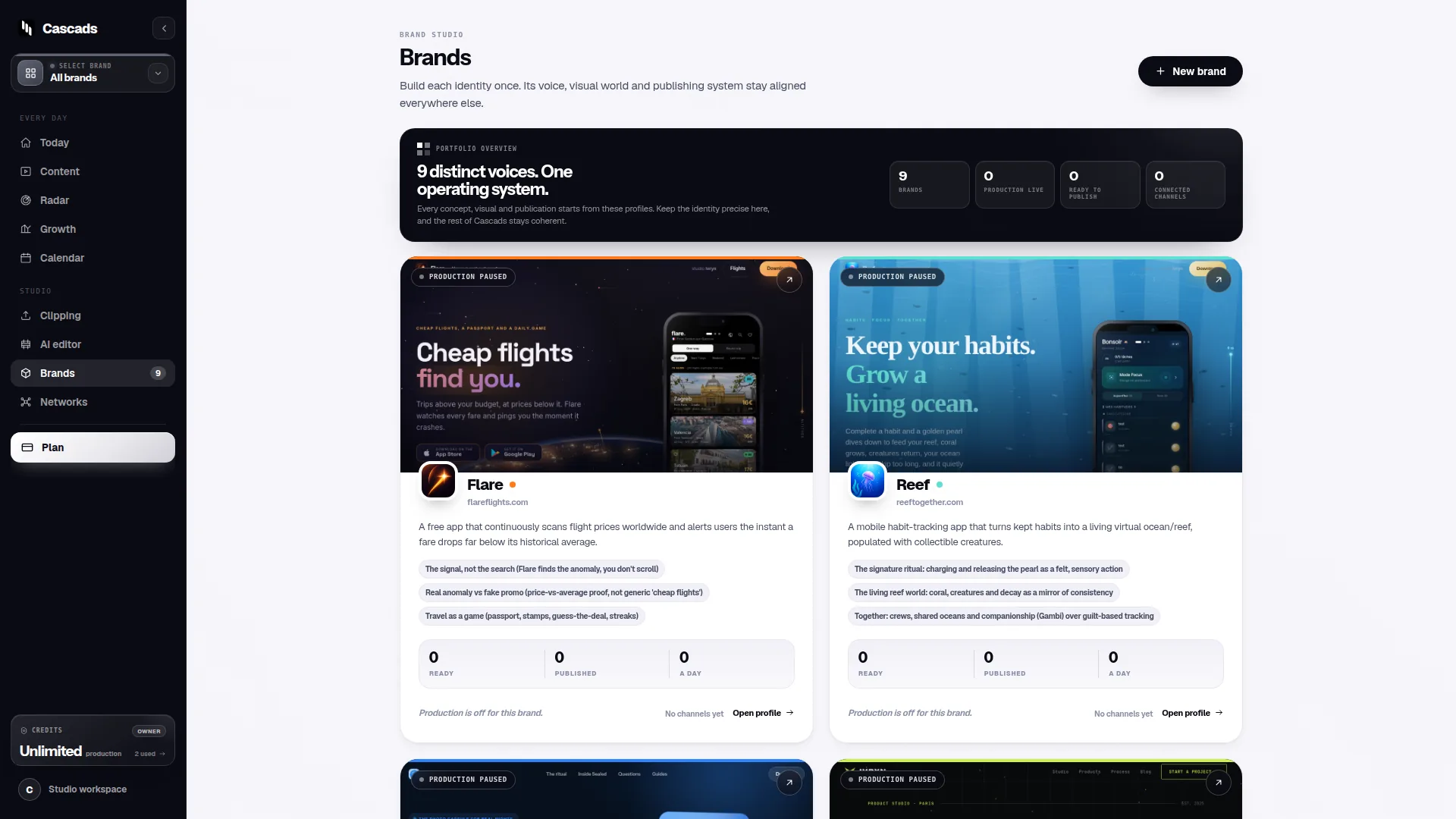
Cascads is an IVRYN product designed for producing and scheduling social content. Its public product context is relevant here because it can generate written posts, portrait-oriented videos, and carousel content from a reusable profile for a brand; that still leaves a team responsible for deciding whether a particular output is suitable to share.
- Can each draft be tied to the correct brand context?
- Can the workflow accommodate the formats your campaign actually needs?
- Can reviewers identify the version, destination, and intended publication timing?
- Can the team distinguish content preparation from confirmed network publication?
Publishing automation has network and format limits
Scheduling software can simplify handoffs, but it cannot remove the technical and policy conditions imposed by social networks. Direct publication can vary according to the network involved, the type of media being sent, the permissions assigned to the account, and approval from the external platform.
This means a publishing plan should be format-aware. Before committing a campaign calendar, verify what the selected destination accepts for the intended post type and whether the relevant account is authorized for the required action. A workflow may need a manual completion step when a network, media format, or account arrangement does not support direct publishing.
The same principle applies when a team manages several brands. Do not treat a successful connection for one account as proof that every other client, network, or format will work in the same way. Account permissions and platform-side requirements may differ.
Cascads’ social media publishing integration checklist is a useful grounding reference for approaching these dependencies systematically. Its approval-workflow guidance is similarly relevant because publication readiness involves both operational setup and a decision that the content is ready for public use.
- Confirm the target network before building the publishing sequence.
- Check the intended media type, not merely whether the account is connected.
- Validate account permissions and any external approval requirements.
- Plan a clear manual fallback for posts that cannot be directly published.
Human review is the safeguard that automation does not replace
Generated marketing material should pass through human review before it becomes public. This is not simply a final proofreading task: review is where a team checks accuracy, tone, campaign fit, sensitive claims, links, visual choices, and whether the post belongs to the selected brand and audience.
A good approval flow makes responsibility visible. Define who can request changes, who can approve, what happens when revisions are needed, and what counts as final. These decisions reduce ambiguity when several people contribute copy, visuals, client feedback, and scheduling decisions.
The approval process should be proportionate. A low-risk recurring post may need a lighter review path than a product announcement or paid campaign asset, but both need an identifiable owner. Automation can prepare drafts and organize status, while people remain accountable for the published message.
For agencies, this distinction is especially valuable. Client review should be represented as an explicit stage rather than an informal assumption. That helps prevent a draft from being mistaken for approved content merely because it has been scheduled.
- Assign a named reviewer or approval role for each brand.
- Review the final caption, creative, links, destination, and timing together.
- Record revision status so a draft cannot be confused with an approved asset.
- Keep ownership clear when a client must approve material.
Example decision aid: choosing a workflow for three client brands
Example: an agency manages three brands, each using a different mix of text-led posts, vertical videos, and carousels. The agency wants to reduce repetitive setup without allowing unreviewed material to reach public accounts.
First, the team creates or maintains a reusable context for each brand, including the campaign purpose and content direction needed for current work. It then produces drafts in the formats required by the campaign. The team does not assume that a single caption or creative can be reused unchanged across every destination.
Next, a designated internal reviewer checks the drafts. If the client requires approval, the workflow pauses until that approval is received. Only after approval does the team inspect the target destination: the network, the planned media type, the connected account permissions, and whether direct publication is available for that combination.
If direct publishing is supported, the approved asset can be scheduled through the chosen workflow. If it is not supported, the task should be clearly marked for manual posting rather than silently treated as complete. This preserves the convenience of planning while making the platform limitation visible.
- Decision question 1: Is the correct brand context attached to the draft?
- Decision question 2: Has an accountable person approved the final content?
- Decision question 3: Does this network-account-format combination support the intended publishing action?
- Decision question 4: If not, who owns the manual publishing step?
A practical shortlist checklist before you choose
Compare tools against your own publishing operation, not against an abstract idea of full automation. Begin with the brands, networks, post formats, reviewers, and account arrangements you manage now. Then include near-term needs only where they are specific enough to validate.
Ask vendors or test internally with realistic drafts and account configurations when possible, but avoid treating a single successful post as a permanent guarantee. External platforms can impose conditions that affect what is available for a particular destination or media type.
The best decision is often a workflow that is visibly imperfect in the right places: it makes platform constraints clear, stops drafts for review, and gives people a reliable way to finish manual steps. That is more useful than a system that appears fully automatic while hiding dependencies until publication time.
- List every brand, network, account, and post format in scope.
- Define who reviews and who can give final approval.
- Document direct-publishing requirements by destination and format.
- Choose a clear status for “approved but manually publish.”
- Review the workflow after a campaign rather than assuming initial setup is final.
Frequently asked questions
What are the best tools for automating social media posts?
The best tool is the one that fits your real workflow: it should support the needed brand context, content formats, approval steps, and network-specific publishing requirements. No tool should be assumed to publish every format directly to every account.
Can social media automation tools publish every post automatically?
No. Direct publishing may depend on the social network, media format, account permissions, and approval by the external platform. Teams should confirm these conditions for each intended destination and prepare a manual publishing path when needed.
Do AI-generated social media posts still need approval?
Yes. Marketing content created with automation or AI should be reviewed by a person before publication. Reviewers should check the final message, creative, links, brand fit, target network, and publishing status.
Sources and further reading
These resources provide the wider reference frame. Product statements on this page are limited to the public information provided by Cascads.