Why a content calendar is more than a spreadsheet of dates
Learning how to make a content calendar usually starts with picking a template, but the harder problem is what feeds that template. A calendar is only as reliable as the inputs behind each entry: which brand it belongs to, what format it will take, who has reviewed it, and whether the destination network can actually publish it as planned. Treat the calendar as the visible layer of a workflow, not the workflow itself.
For small teams and agencies handling several brands, the calendar also has to carry context that a generic date grid does not capture. A post for one brand may need a different tone, visual identity or approval chain than a post for another, even if both go out on the same day. Building that context into the planning stage prevents last-minute confusion when it is time to actually publish.
Start from brand context, not from a blank grid
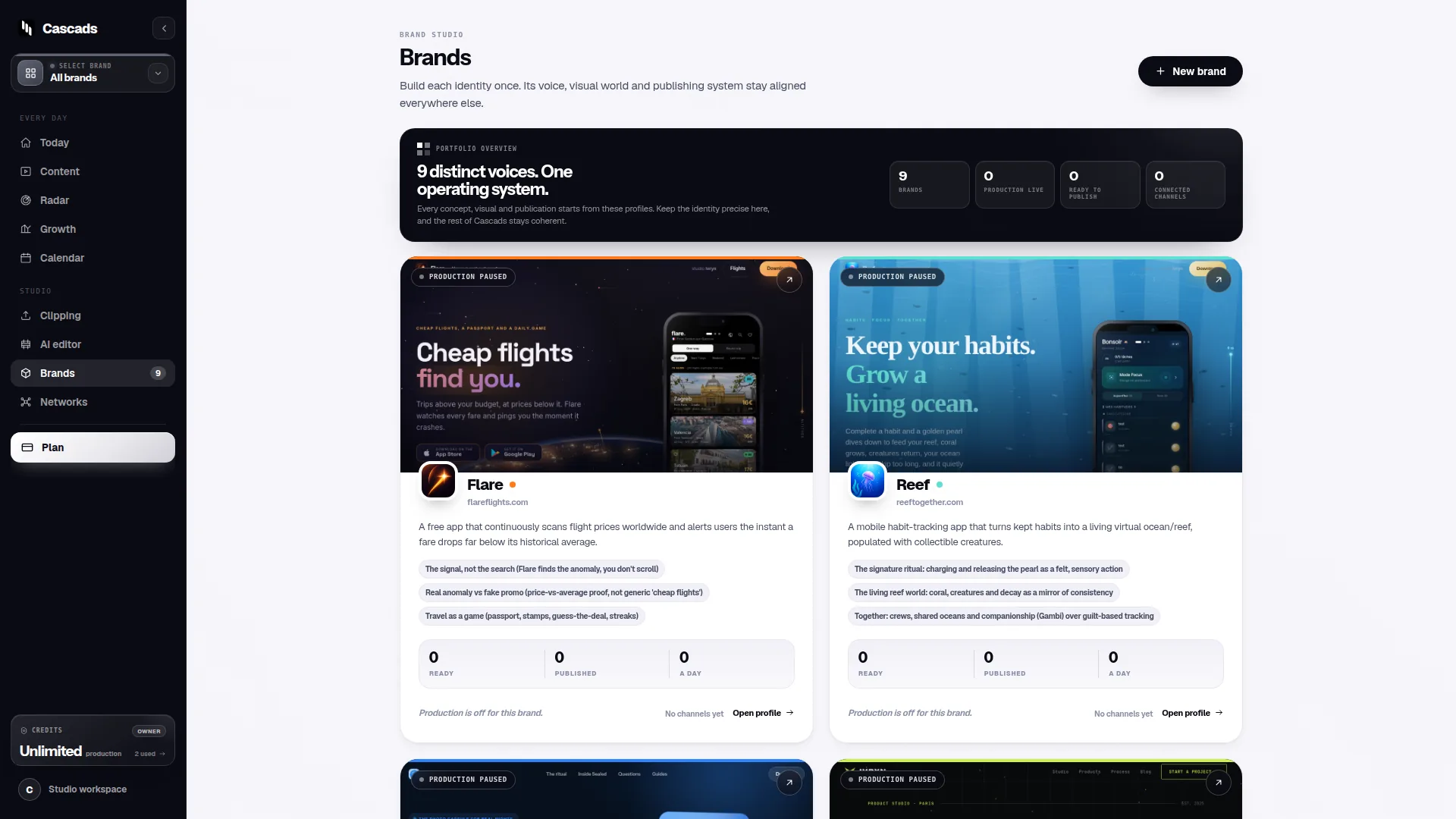
Before scheduling anything, define a reusable profile for each brand you manage: voice, visual guidelines, approved topics, and any network-specific constraints. This profile becomes the reference point every future entry in the calendar draws from, rather than reinventing brand context each time a post is planned.
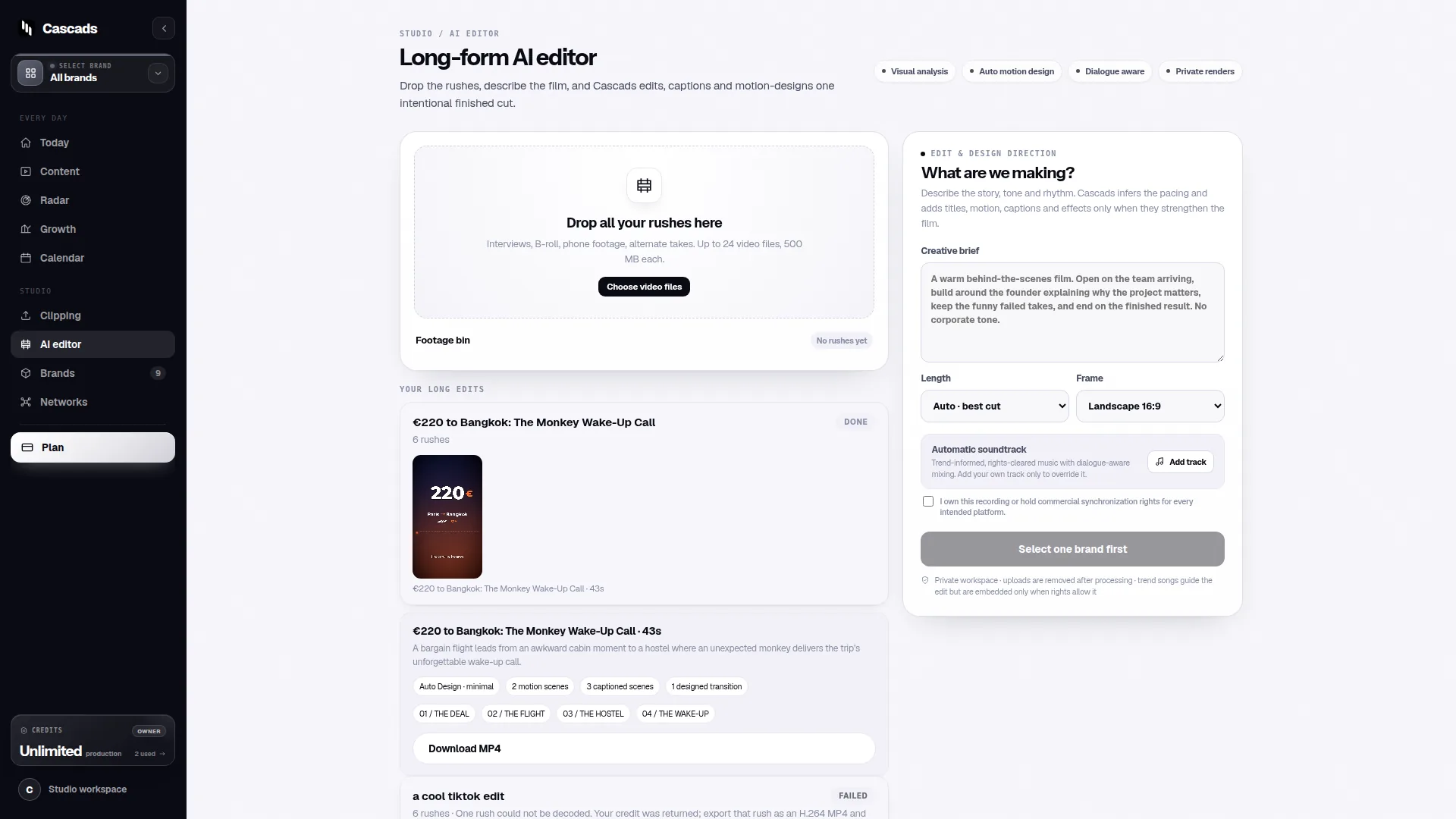
This is where a tool like Cascads fits naturally into the process. Cascads is built around the idea of a reusable brand profile that informs the text posts, vertical videos and carousels it generates, so a calendar built on top of it inherits consistent brand context by default rather than requiring it to be re-entered for every entry. That said, having a reusable profile does not remove the planning step; it just makes the planning step faster to execute consistently across brands.
Plan for multiple formats from the start
A content calendar that only tracks single-image posts will need constant rework the moment a team adds vertical video or carousels. It is more efficient to decide upfront which formats each slot in the calendar can hold, and to note format-specific requirements, such as aspect ratio, caption length or slide count, directly alongside the entry.
When a system can generate several formats from the same underlying brand profile, the calendar planning stage can focus on message and timing rather than re-briefing creative for every format separately. This does not eliminate the need to review each output, but it does reduce the number of decisions made from scratch.
- Decide per slot whether the format is a static post, a vertical video, or a carousel
- Note format-specific technical limits (length, aspect ratio, slide count) next to the entry
- Group entries by brand and by network so gaps are visible at a glance
Build human review into the calendar, not around it
Generated marketing output, whatever tool produces it, remains subject to human review before publication. A calendar that treats review as an afterthought tends to create bottlenecks right before a scheduled date, when there is the least room to make changes. It is more reliable to add a review status field to each calendar entry from the start, so anyone looking at the calendar can immediately see whether a post is drafted, reviewed or approved.
This matters more for multi-brand teams because review criteria can differ by brand. A financial services brand may need a compliance check that a lifestyle brand does not. Encoding review stage and reviewer into the calendar avoids relying on memory or side conversations to track where each post stands.
Account for format-aware publishing limits before you schedule
Even a well-planned, well-reviewed post can fail to go out as expected if the destination network, media format, account permissions or platform approval process does not line up. Direct publishing depends on all of these factors, and they vary by network and can change independently of your calendar. Treating 'scheduled' and 'published' as the same status is a common source of surprises.
A practical safeguard is to check, at the point of scheduling, whether the target network and account currently support the intended format and whether the connected account has the permissions needed to publish directly. If not, the calendar entry should flag that it requires a manual publishing step, so nobody assumes automatic delivery happened when it did not.
- Confirm the account has the permissions the platform requires for that content type
- Check whether the format (e.g. carousel, vertical video) is supported for direct publishing on that network
- Flag entries that will require manual publishing rather than assuming automatic delivery
A worked example: setting up a monthly calendar for two brands
Example only, not a case study. Suppose an agency manages two brands, each posting three times a week across two networks. The first step is creating a brand profile for each, capturing voice, visuals and any network restrictions. Next, the team blocks out a monthly grid with one row per scheduled slot, tagging each row with brand, network, and intended format.
For each slot, the team drafts content against the relevant brand profile, then moves the entry to a 'pending review' status until someone approves it. Before the scheduled date, the team checks the publishing checklist for that network and format: does the account have posting permissions, is the format supported for direct publishing, and has platform approval (where required) been granted. Only entries that pass this check are marked 'ready to publish'; the rest are flagged for manual posting.
This structure keeps the calendar itself simple, a grid of dates, brands, formats and statuses, while pushing the more variable work (brand context, review, publishing checks) into repeatable steps attached to each entry rather than handled ad hoc.
Keeping the calendar reliable over time
A content calendar degrades if it is only maintained during the initial setup. Publishing permissions can change, platform approval requirements can shift, and brand guidelines get updated. Revisiting the brand profiles and the publishing checklist periodically, rather than only when something breaks, keeps the calendar trustworthy.
Ultimately, the goal of learning how to make a content calendar is not to produce a perfect-looking grid but to create a repeatable process that a small team can run without re-deciding the basics every week: who reviews what, which formats are in play, and which networks can actually receive direct posts.
Frequently asked questions
What is the first thing to set up before building a content calendar for multiple brands?
Start with a reusable brand profile for each brand, covering voice, visual guidelines and any network-specific restrictions, so every calendar entry can draw on consistent context instead of being planned from scratch.
Does scheduling a post in a calendar guarantee it will publish automatically?
No. Direct publishing depends on the network, the media format, the connected account's permissions and, in some cases, external platform approval, so a scheduled entry can still require a manual publishing step.
Why should human review be part of the calendar itself rather than a separate step?
Because review criteria and reviewers can differ by brand and format, tracking review status directly in the calendar entry prevents last-minute bottlenecks and makes it clear at a glance whether a post is drafted, reviewed or approved.
Sources and further reading
These resources provide the wider reference frame. Product statements on this page are limited to the public information provided by Cascads.