Why the best time to schedule Facebook posts is not a single number
Searches for the best time to schedule Facebook posts usually turn up charts of hours and weekdays. Those charts describe an average across many pages, and an average is not your audience. A page followed by night-shift nurses, a page followed by retail shoppers and a page followed by other businesses can all peak at different moments, so a universal slot is at best a starting guess.
This matters more for small teams and agencies than for a single brand, because each client page carries its own audience, time zone mix and posting history. Treating one published chart as the answer for every brand is the fastest way to schedule content that arrives when nobody is looking.
A more useful framing is that timing is a hypothesis you form per page, test with your own data, and revise. The rest of this article explains how to form that hypothesis, how to run it across several brands without chaos, and which publishing limits apply before a schedule can be trusted at all.
Start with the page's own audience data
Facebook exposes audience activity information for pages you manage. That data shows when the people who already follow a given page tend to be active, and it is far closer to the truth for that page than any third-party chart. Read it per brand, per page, and note the pattern rather than a single hour: an active window is usually a range, not a point.
Combine that with what you already know about the audience. Consumer brands often see activity in the early morning, around lunch and in the evening, while business audiences lean toward working hours. These are reasonable priors, not facts to publish; the page data decides. If a client's followers span several countries, the activity graph will blur, and you may need to choose a window that serves the largest segment rather than everyone.
Finally, look at the last few months of your own posts. Which ones drew early responses, and when did they go out? Recent posting history is imperfect because format and topic also matter, but it is first-party evidence you already own.
- Record the active window per page, not a single hour.
- Note the dominant time zone of each audience.
- Keep a short log of send times and early response for each post.
Best time to schedule Facebook posts across several brands
Agencies rarely have the luxury of publishing one post at the ideal moment. They have ten brands, several formats and a calendar that must be filled in advance. The practical goal is a timing rule per brand that can be applied in bulk without a meeting each time.
One workable approach is to give every brand two or three standing windows, drawn from its page data, and assign posts to those windows by priority. Announcements and campaign posts take the strongest window. Routine content, such as a weekly tip or a recurring carousel, takes a secondary window. This keeps the best moments free for the content that needs them.
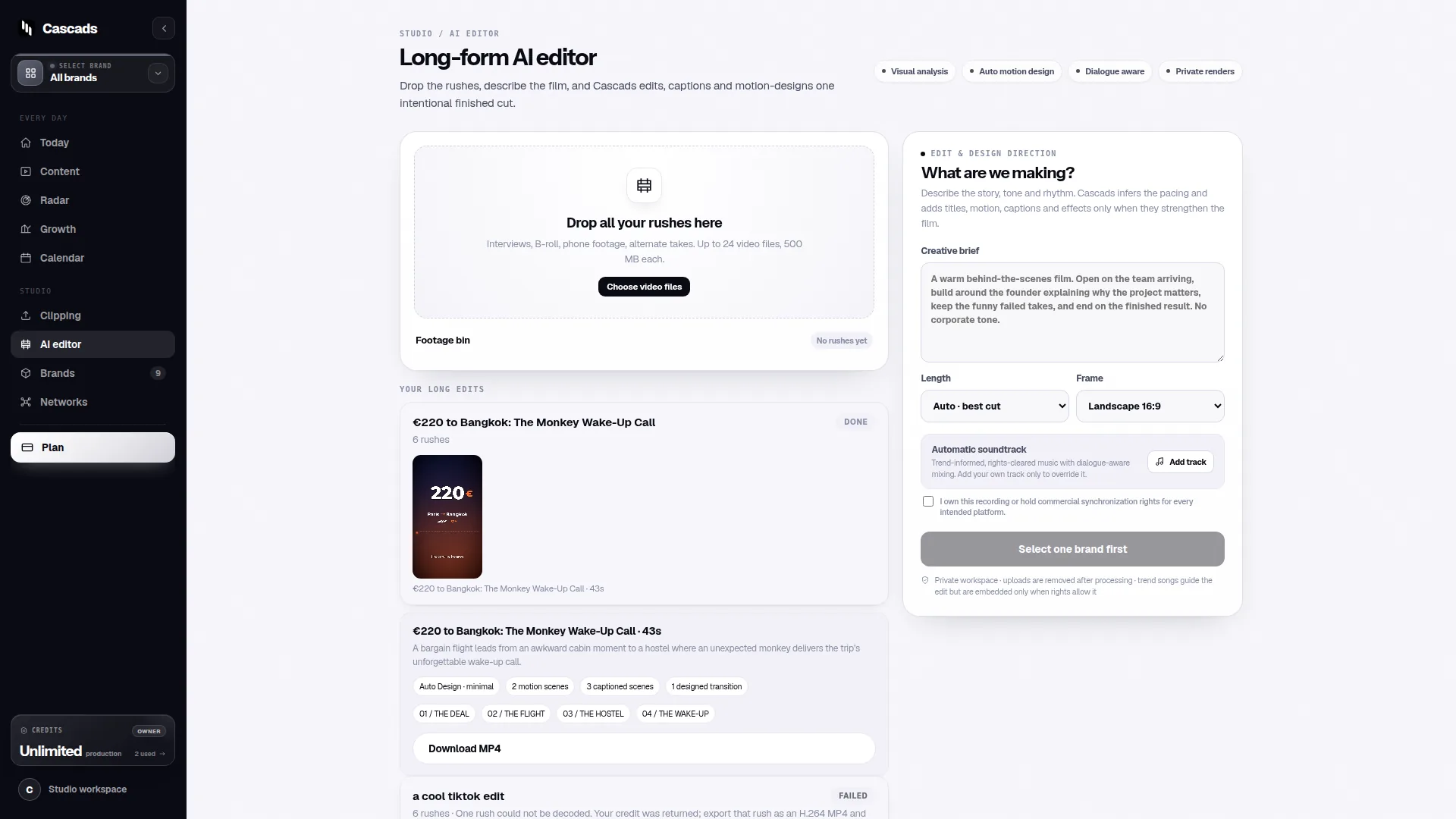
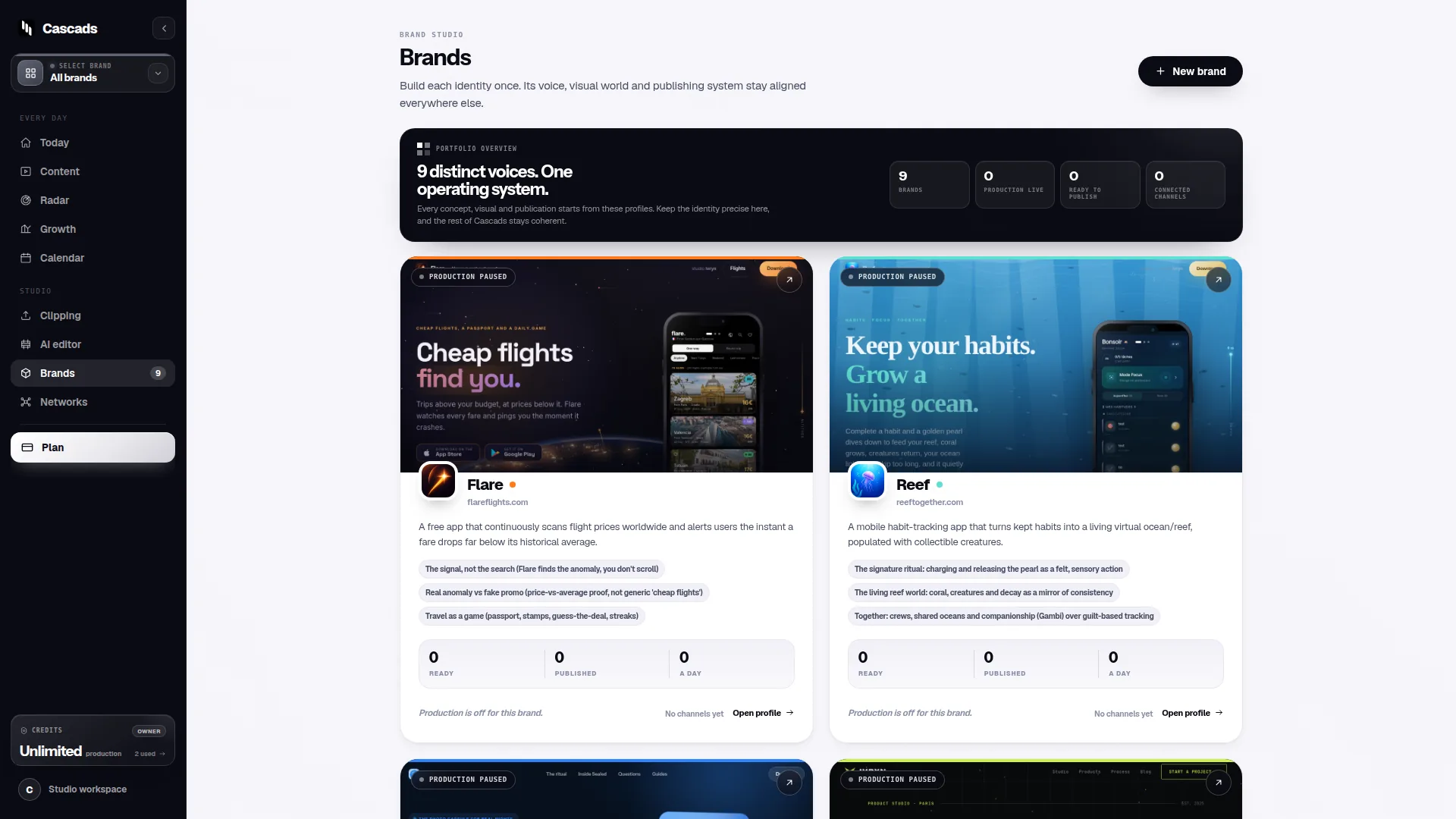
Keeping brand context together also prevents timing mistakes. When the audience notes, tone and posting windows for a brand live in one reusable profile, the person building next week's calendar does not have to remember that one client's followers are mostly in a different time zone. Cascads is built around that idea: a maintained profile per brand feeds the text, video and carousel drafts, so timing and audience assumptions travel with the content instead of living in someone's head.
Revisit the windows quarterly rather than weekly. Audiences shift slowly, and reacting to one strong or weak week teaches you very little.
Scheduling a time is not the same as publishing at that time
A scheduled post is a request, not a guarantee. Whether it goes out at the chosen minute depends on whether the tool is connected to that page, whether the connected account still holds the right permissions, whether the format is supported for direct publishing, and whether the platform has approved the app for that action. The social media publishing integration checklist walks through these conditions, and each one can silently break a carefully chosen schedule.
Format is the most common surprise. A text post, a vertical video and a multi-image carousel are not handled identically by every network or every connection. If a given format on a given page cannot be published directly, the schedule for that post becomes a reminder for a human to publish manually, and the ideal window only holds if that person is available then.
Permissions decay. Someone leaves the agency, a client changes an admin, a token expires, and the post that was due at the strongest window fails quietly. Treat the integration checklist as a recurring audit, especially before a campaign that depends on precise timing.
The honest conclusion is that timing precision is only as good as the weakest link in the publishing chain. A well-chosen window with a broken connection performs worse than an ordinary window that actually goes out.
- Confirm the page connection and account permissions before scheduling a batch.
- Check which formats can be published directly on each page.
- Plan a manual fallback for any post that cannot be auto-published.
Build review time into the schedule
Generated marketing copy and visuals still need a person to approve them before they go live. That review step takes time, and the time it takes must fit in front of the publishing window, not overlap with it. If the strongest window is Tuesday morning and review usually happens Tuesday morning, the post either goes out unreviewed or misses its slot.
The social media approval workflow guide describes a sequence of drafting, review, approval and publishing with clear owners. Applied to timing, the rule is simple: set an internal deadline that lands well before the audience window, and treat that deadline as the real one. For agencies, this often means a review cutoff the day before, which lets the publishing window stay stable even when a client is slow to respond.
This also protects the timing itself. A post that is rewritten at the last minute often changes format or length, and a format change can affect whether it still publishes directly. Locking the content early keeps the schedule honest.
Example: a two-brand weekly timing plan
This is a worked hypothetical to show the method, not a report of observed results. Imagine an agency handling a neighbourhood bakery and a regional accounting firm. The bakery's page data shows activity clustering before the morning commute and again in the early evening, with followers in one time zone. The accounting firm's page shows activity during weekday working hours, with a noticeable dip on Fridays and a spread across two time zones.
The agency sets the bakery's primary window early on weekday mornings and its secondary window in the early evening. Product carousels take the morning slot; short video clips of the counter take the evening slot. For the firm, the primary window is midweek mid-morning in the larger time zone, and the secondary window is early afternoon so the second zone is still at work. Fridays carry only low-priority content.
Review cutoffs are set the previous afternoon for both brands. Before loading the week, the coordinator checks that both page connections are active, confirms that vertical video can be published directly on the bakery page, and flags that the firm's carousel format needs a manual publish on that connection. After a quarter, the agency compares early responses by window and adjusts the bakery's evening slot later if the data supports it.
Nothing in this example predicts how any real page will behave. It shows how audience data, brand context, review timing and publishing limits fit together into one plan.
Checklist before you commit a Facebook schedule
Use the following list as a final pass before loading a batch of posts. It is deliberately short, because the point is to catch the errors that waste a good window, not to slow the team down.
- Each brand has two or three timing windows drawn from its own page data.
- The dominant time zone for each audience is recorded in the brand profile.
- High-priority posts hold the strongest window; routine posts hold the secondary window.
- Review cutoffs land before the publishing window, not during it.
- Page connections, permissions and app approval have been checked recently.
- Every format in the batch is either publishable directly or assigned a manual fallback.
- A simple log records send time and early response so windows can be revisited quarterly.
Frequently asked questions
Is there a universal best time to post on Facebook?
No. Published time charts describe averages across many pages, and any specific page can peak at a different moment. The most reliable guide is the activity data for the page you manage, combined with a short log of your own send times and early responses.
Does scheduling a Facebook post guarantee it publishes at that time?
No. Direct publishing depends on the page connection, the account's permissions, the format involved and the platform's approval of the tool. Any of these can fail quietly, so check them before a time-sensitive campaign and keep a manual fallback ready.
How should an agency choose posting times for many brands at once?
Give each brand two or three standing windows based on its own audience data, assign posts to those windows by priority, keep the timing and audience notes in one shared brand profile, and set review cutoffs before the windows so approval never collides with publishing.
Sources and further reading
These resources provide the wider reference frame. Product statements on this page are limited to the public information provided by Cascads.