Direct answer
A reliable campaign handoff keeps one owner, the approved brief, the current asset version, the destination account and the next decision together. If any field is missing, pause the handoff and resolve it before production or scheduling.
Why social production handoffs break
A social post rarely moves straight from idea to publication. Someone defines the audience and message, someone produces the asset, someone adapts the copy, and someone checks the account and publishing time. Even when one person performs every role, the work still crosses several contexts. The handoff breaks when the next step receives a file but not the decision behind it.
The common symptom is rework. A caption is rewritten because the tone was never captured. A vertical video is ready but the target network is not connected. A carousel is approved but its slides and caption live in different folders. The useful fix is not a longer universal brief. It is a short chain in which every stage receives the inputs it actually needs.
Turn brand knowledge into reusable inputs
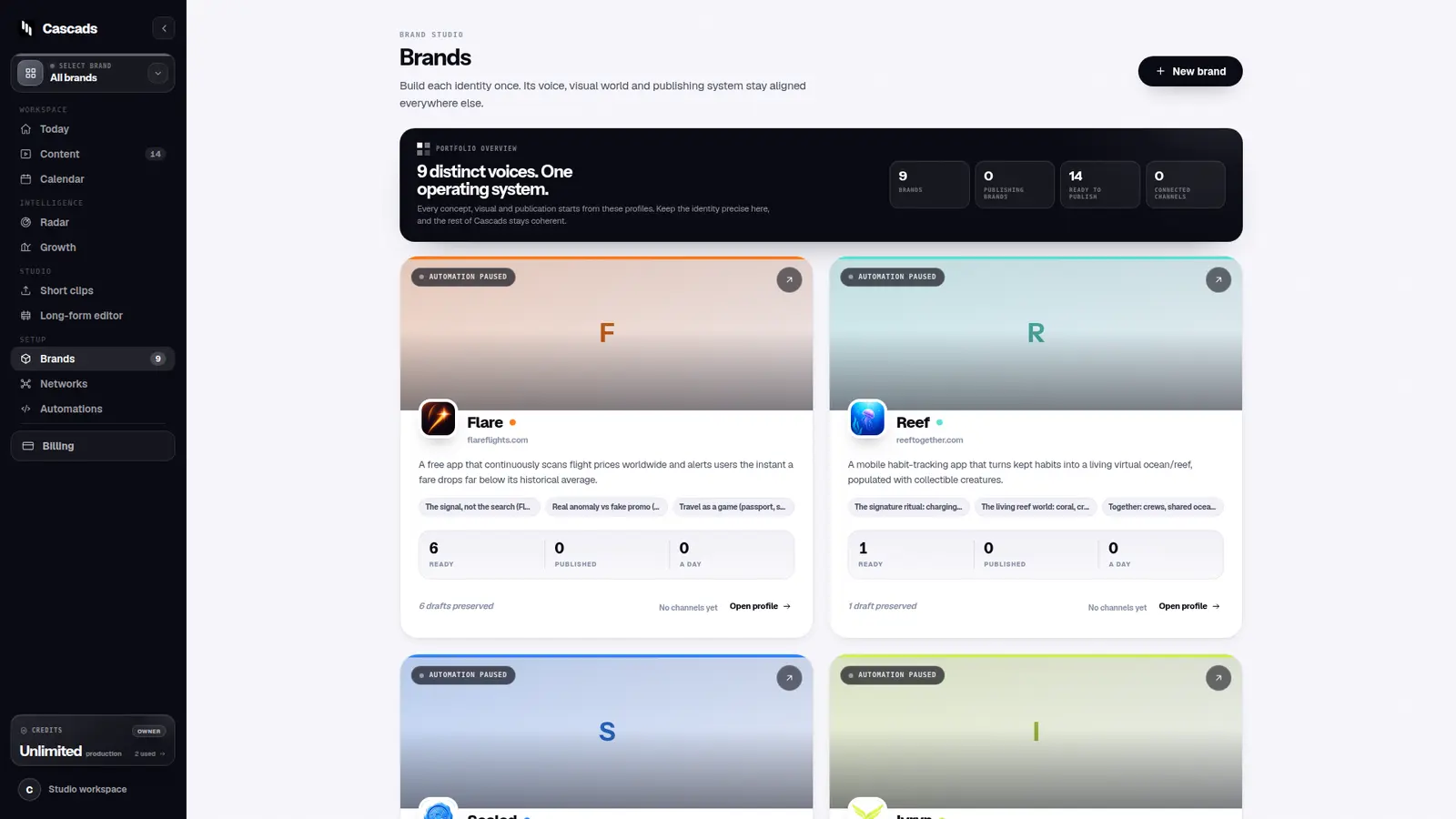
Start with information that should survive beyond one campaign: the business description, audience, offer, tone, visual direction and website. Keep claims that require evidence separate from stylistic preferences. A useful brand profile tells a writer what may be said, a designer what should feel consistent, and a reviewer what counts as off-brand.
Cascads stores this context per brand. A workspace can therefore keep different voices, accounts and queues apart rather than treating every post as a variation of one generic prompt. The profile remains editable; an imported website is a starting point, not an unquestionable source of truth.
Generate a batch, not a finished campaign
Generation should create reviewable options. In Cascads, a batch can contain text posts, vertical videos and carousels. The content library then becomes the handoff surface: the concept, caption, media and target networks stay together. This is more useful than passing a caption in chat and a video through a separate file-transfer link.
Do not treat generated output as approved merely because it is complete. Check factual claims against the source, remove unsupported specifics, confirm that visuals match the subject and read captions in the context of each network. If the brand profile was wrong, correct the profile before regenerating; otherwise the same error will keep travelling downstream.
Decide publication capability before scheduling
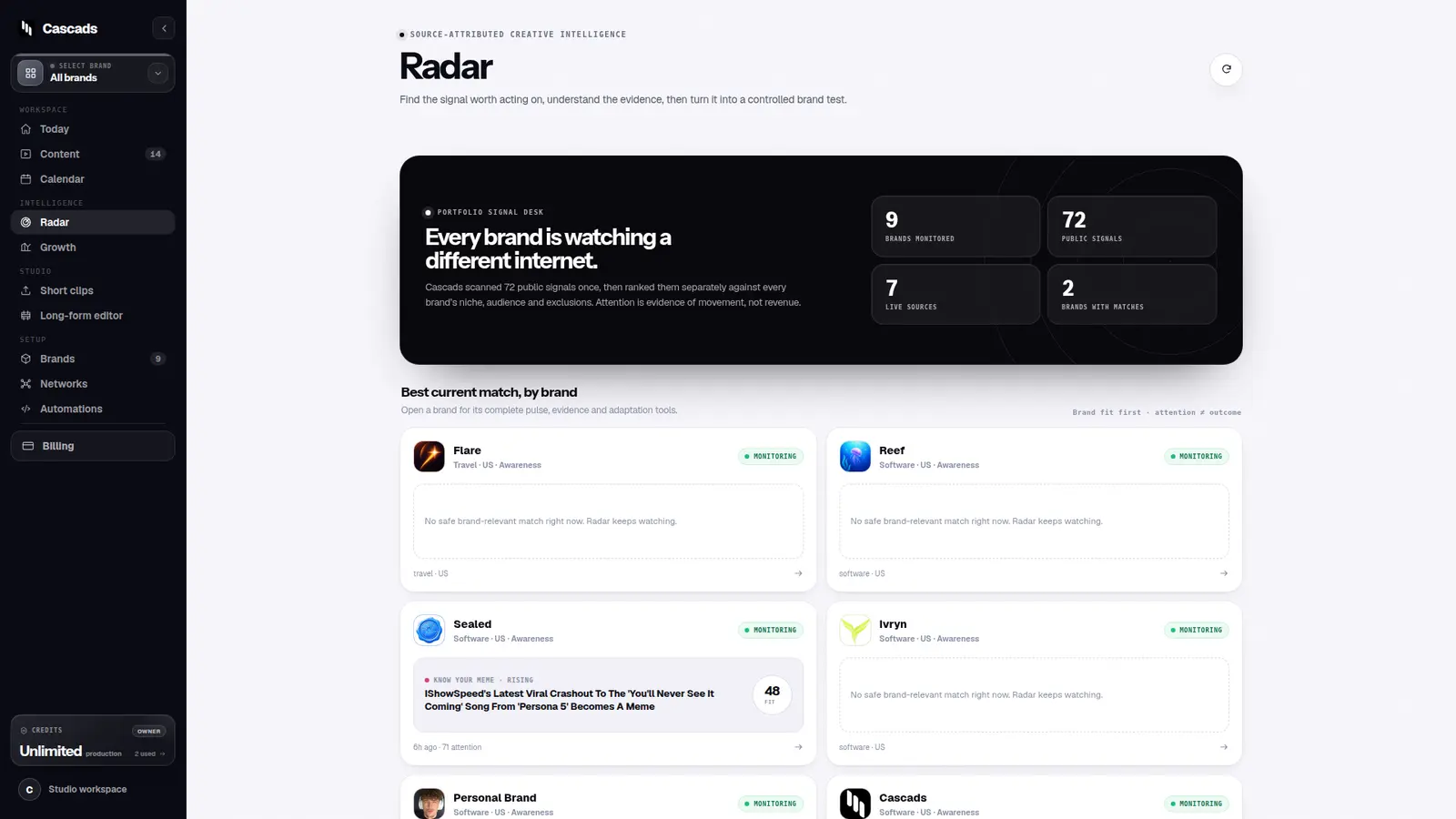
A calendar is not proof that a platform will accept a post. Network APIs differ by account type, media format, permission and application review status. A connected account may accept text but not video; another may accept a carousel only for a professional account. The production handoff should therefore record both the target network and the delivery mode.
Cascads distinguishes automatic slots from reminder-based slots. Automatic means the configured integration can publish that content type. Reminder means Cascads prepares the caption and media, then asks the user to complete the upload. The distinction prevents a prepared post from being mistaken for a successfully published one. See the detailed network publishing guide for the current format matrix.
Schedule only reviewed material
Once the asset and delivery mode are clear, schedule the post with its brand, network and time. A useful weekly plan mixes formats and leaves room for changes. It does not fill every empty slot simply because inventory exists. Start with the cadence the team can actually review.
Cascads keeps a per-network calendar and can refill a week from approved inventory. Before enabling automatic posting, confirm the destination account and test a low-risk item. A credential can be technically valid while pointing to the wrong Page, channel or profile. That is a setup problem, not a copy problem, and it should be caught before the recurring schedule begins.
Use one daily control point
The final handoff is operational: what requires a person today, what will publish automatically, and what failed. A daily view should make these states obvious without opening every network. If an automatic attempt fails, keep the item visible and actionable instead of silently marking it complete.
This is where the workflow closes. The brand profile explains intent, the content inventory preserves the asset and caption, the capability state explains delivery, and the daily list identifies the next action. Each step passes a small, explicit package to the next.
A compact handoff checklist
- Brand: audience, offer, tone and allowed claims are current.
- Asset: caption and media are reviewed together.
- Destination: the correct brand account is connected.
- Capability: the chosen format is automatic or explicitly marked as manual.
- Timing: the schedule reflects a deliberate cadence, not just available space.
- Outcome: success, failure and required human action remain distinguishable.
Sources and further reading
These resources provide the wider reference frame. Product statements on this page are limited to the public information provided by Cascads.