Why most content calendar examples don't survive week three
Search for content calendar examples and you'll find dozens of spreadsheet templates and colour-coded grids that look tidy on day one. The problem isn't the layout. It's that a static grid assumes one brand, one voice and one publishing rhythm, while most small teams and agencies are juggling several brands across several networks at once. The calendar that gets abandoned by week three is usually the one that never accounted for that variation.
A useful way to think about it: a content calendar is not a scheduling tool, it's a record of decisions - who this content is for, what it's supposed to say, and who signed off on it. Examples that keep working are the ones that make those decisions visible and repeatable, not just the ones that look organised in a screenshot.
That distinction matters more as a team scales past a single brand. What looks like a formatting choice - one tab per brand, one column per network - is actually a decision about how brand context gets carried through to each post, and how much re-explaining happens every time someone new touches the calendar.
The examples that hold up: what they have in common
Across the calendar formats that agencies and in-house teams tend to stick with, three traits show up repeatedly. First, brand context is attached to the calendar itself, not kept in someone's head. Second, the calendar treats format - text post, vertical video, carousel - as a first-class field, not an afterthought. Third, there's a visible review step before anything goes live, rather than an assumption that whoever built the post can also approve it.
None of this requires exotic tooling. A shared spreadsheet can technically hold brand context, format, and a review status column. But in practice, as the number of brands and networks grows, manually re-entering brand voice notes and profile details into every row becomes the point where teams quietly stop maintaining the calendar and revert to ad hoc posting.
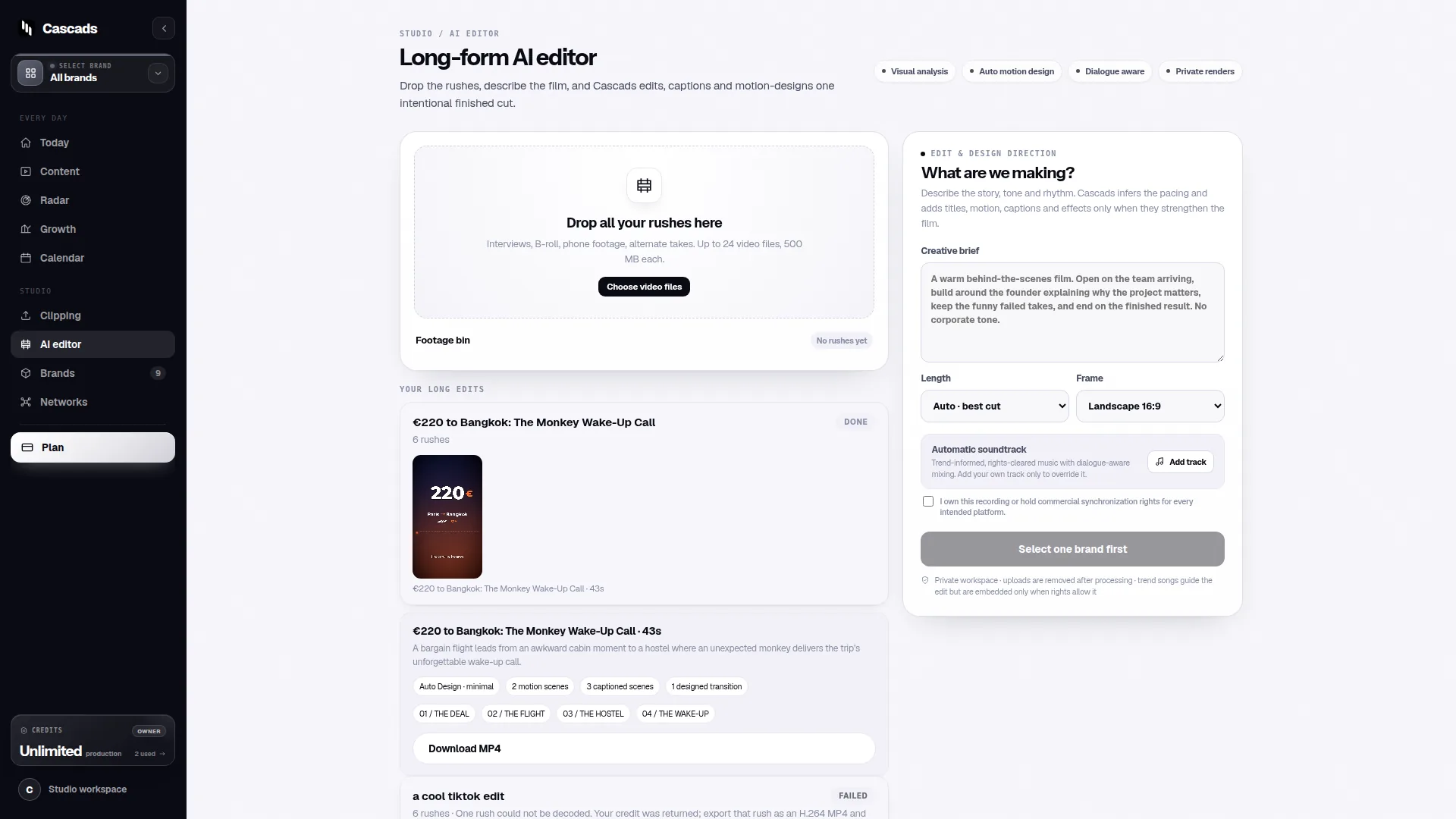
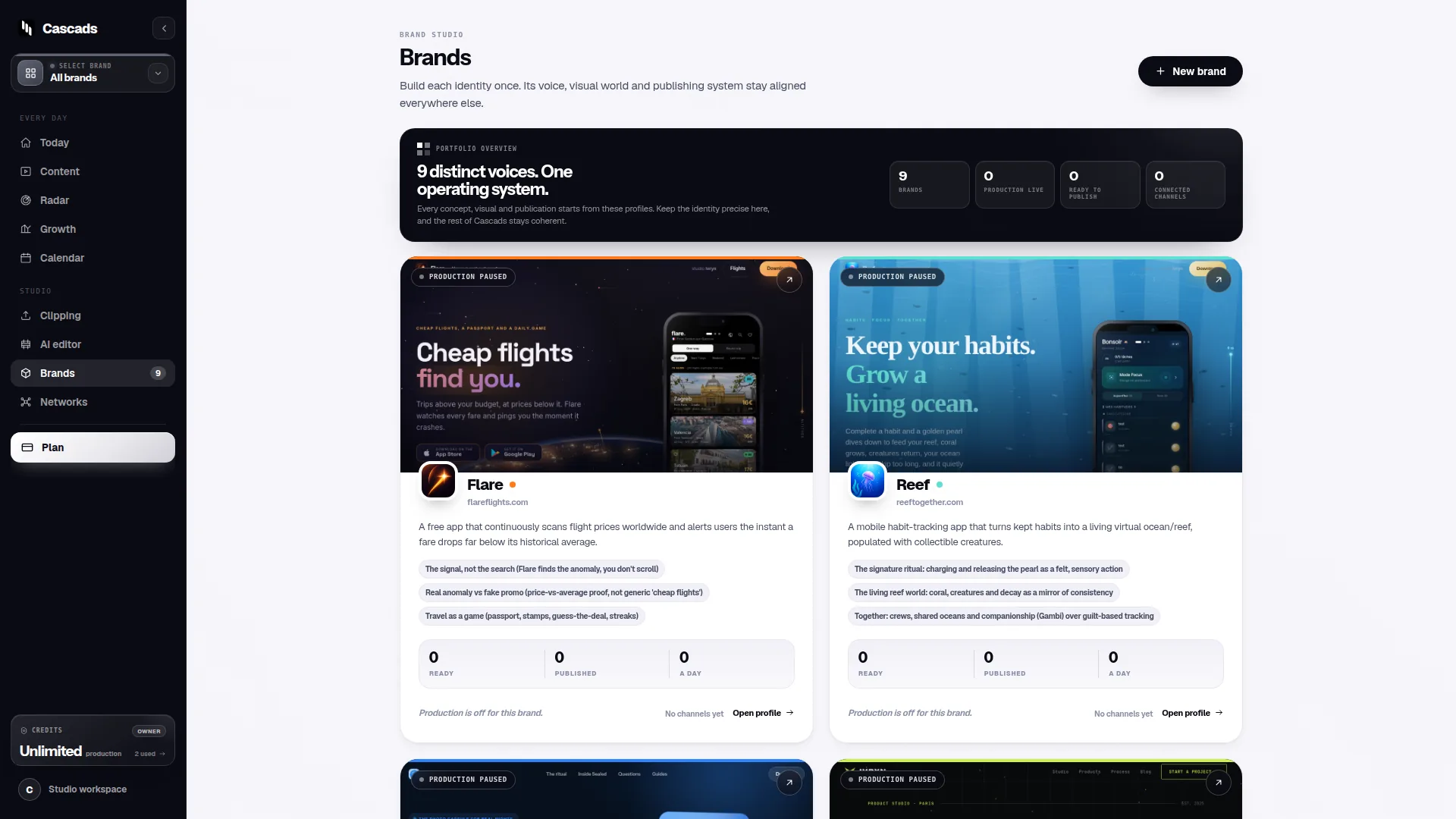
This is the practical argument for calendars built around a reusable brand profile rather than a blank grid. When a platform generates text posts, vertical videos and carousels from a profile that's set up once per brand, the calendar stops being a place where context has to be retyped and becomes a place where content is proposed for review. Cascads is built around this pattern - a profile per brand feeding format-specific outputs - which is one reason 'brand context' shows up as a recurring requirement in the calendar structures that persist.
Worked example: a three-brand agency calendar
Consider a hypothetical: a small agency running three brands, each posting on Instagram and TikTok, with one client requiring sign-off before anything publishes. This is an illustrative scenario, not a case study, but it's useful for showing how the principles above translate into an actual structure.
Instead of one shared grid, the calendar is organised by brand first, with each brand carrying its own profile: tone, visual guidelines, and past approved examples. Within each brand section, entries are tagged by format - a vertical video for TikTok looks and behaves differently from a carousel for Instagram, and treating them as interchangeable rows is where confusion starts. Each entry also carries a status field: drafted, in review, approved, or published, with the client's sign-off as an explicit gate rather than an implied one.
In this example, the reason the calendar survives contact with real work is that it never asks a team member to hold brand nuance in memory across three accounts. And because publishing is treated as a separate step from drafting - one that depends on the network, the media format, account permissions and external platform approval - nobody assumes a post is live just because it's marked 'ready'. Generated marketing output stays subject to human review before publication, which is a deliberate gate, not a bottleneck to route around.
- Brand section: profile notes, tone, and approved reference examples
- Format field: text post, vertical video, or carousel, tracked separately
- Status field: drafted, in review, approved, published
- Approval owner: named per brand, especially where a client sign-off is required
- Platform note: reminder that publishing success still depends on network and account permissions
Where format-aware publishing changes the calendar's shape
One reason generic content calendar examples fall apart for multi-format teams is that they treat 'a post' as a single unit of work. A vertical video and a carousel are not the same production task, and they don't publish the same way either. Direct publishing depends on the network, the media format, account permissions and external platform approval - factors that vary by platform and can change, so a calendar that hardcodes assumptions about what will publish automatically is fragile by design.
A more durable pattern is to let the calendar record the format decision early, alongside the brand profile it's generated from, and to keep a visible distinction between 'content approved' and 'content published.' That gap is where platform-specific realities live: an account permission that hasn't been granted yet, a format that a given network doesn't support for scheduled posting, or an approval step still pending on the platform side.
Teams that build this distinction into the calendar from the start spend less time firefighting when a post doesn't go out as expected, because the calendar already shows where it stalled - format, permission, or approval - rather than treating a failed publish as a mystery.
A short checklist for evaluating your own calendar
If you're deciding whether to keep, rebuild, or replace your current content calendar, it helps to test it against a short set of questions rather than judging it by appearance. The following checklist is a practical example, not a rigid standard - adapt it to how many brands and networks your team actually manages.
- Does the calendar carry brand context (voice, visuals, prior examples) per brand, or does someone have to remember it?
- Is content format (text, vertical video, carousel) tracked as its own field, with its own production expectations?
- Is there a distinct, visible human review step before anything is marked ready to publish?
- Does the calendar distinguish 'approved' from 'published,' acknowledging that publishing depends on network, format, account permissions and platform approval?
- Could a new team member understand a brand's calendar entries without a verbal handover?
Content calendar examples as a starting point, not a template to copy exactly
It's worth resisting the temptation to copy a content calendar example wholesale from a template site and assume it will fit an agency running several brands. The examples that keep working share structural principles - brand context, format-aware fields, a review gate - but the specific columns, tools, and workflow around them should reflect how your team actually operates and how many brands and platforms are in play.
For teams evaluating tools rather than templates, the same principles apply: worth checking whether a platform lets you attach reusable brand context, generates output across the formats you actually need, and keeps a human review step before publishing, rather than promising fully automated publishing regardless of platform constraints. Cascads' guides on running a multi-brand calendar and structuring an approval workflow go into more operational detail on both fronts, for teams who want to see the structure applied further.
Frequently asked questions
What's the biggest reason content calendar templates get abandoned?
Most templates assume a single brand and a single format, so as soon as a team manages several brands or several content formats (text, vertical video, carousel), the template requires constant manual re-entry of brand context and stops getting maintained.
Should 'approved' and 'published' be tracked as the same status in a content calendar?
No. Approval reflects internal sign-off, while publishing depends on external factors like the network, media format, account permissions and platform approval, so keeping them as separate statuses gives a clearer picture of where a post actually stands.
Does using a tool that generates posts from a brand profile remove the need for human review?
No. Generated content, whatever the source, should remain subject to human review before publication - a reusable brand profile can speed up production, but it doesn't replace the review and approval step in a calendar workflow.
Sources and further reading
These resources provide the wider reference frame. Product statements on this page are limited to the public information provided by Cascads.