Why teams look into social media automation n8n
When people search for social media automation n8n, they are usually trying to solve a specific problem: too many brands, too many networks, and not enough hours to write, format and schedule everything by hand. n8n is a workflow automation tool that can connect a content source to a scheduling or publishing endpoint, which makes it an appealing building block for teams who already think in terms of triggers and actions.
The appeal is real, but it is worth separating what n8n itself does from what any automated social workflow needs to do well. n8n moves data between systems. It does not, on its own, understand brand voice, generate a vertical video, or decide whether a post is ready to go live. Those are content and governance problems, not connector problems, and they matter more to the final result than the workflow tool chosen to move files around.
What an automated workflow can realistically handle
A well-built automation, whether assembled in n8n or provided as part of a dedicated content platform, is good at repetitive, well-defined steps: pulling a brief from a spreadsheet or CRM, triggering a content generation step, pushing a draft into a review queue, and firing off the final post once someone approves it. These are exactly the kinds of steps that save time when repeated across many brands or many weeks.
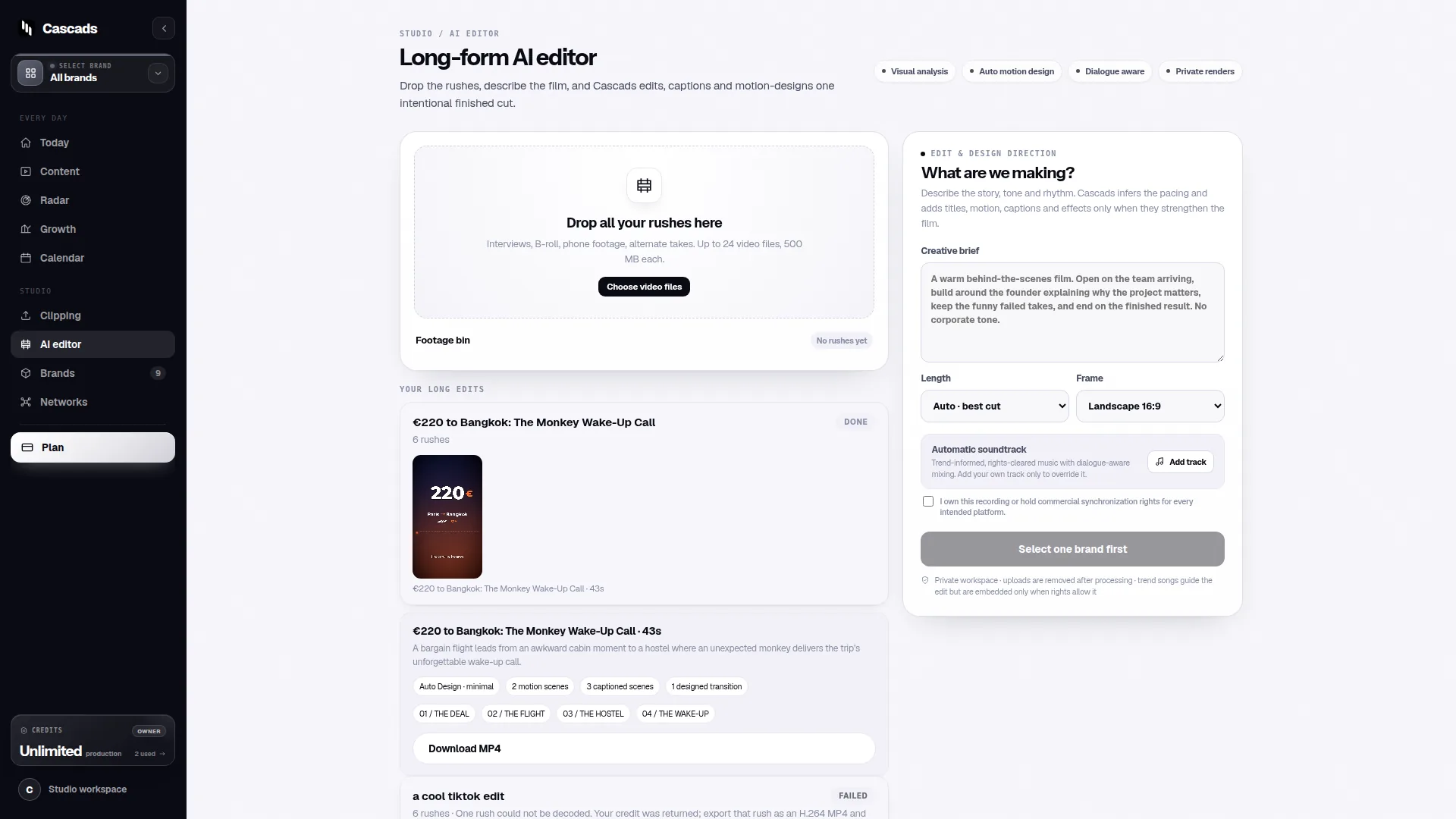
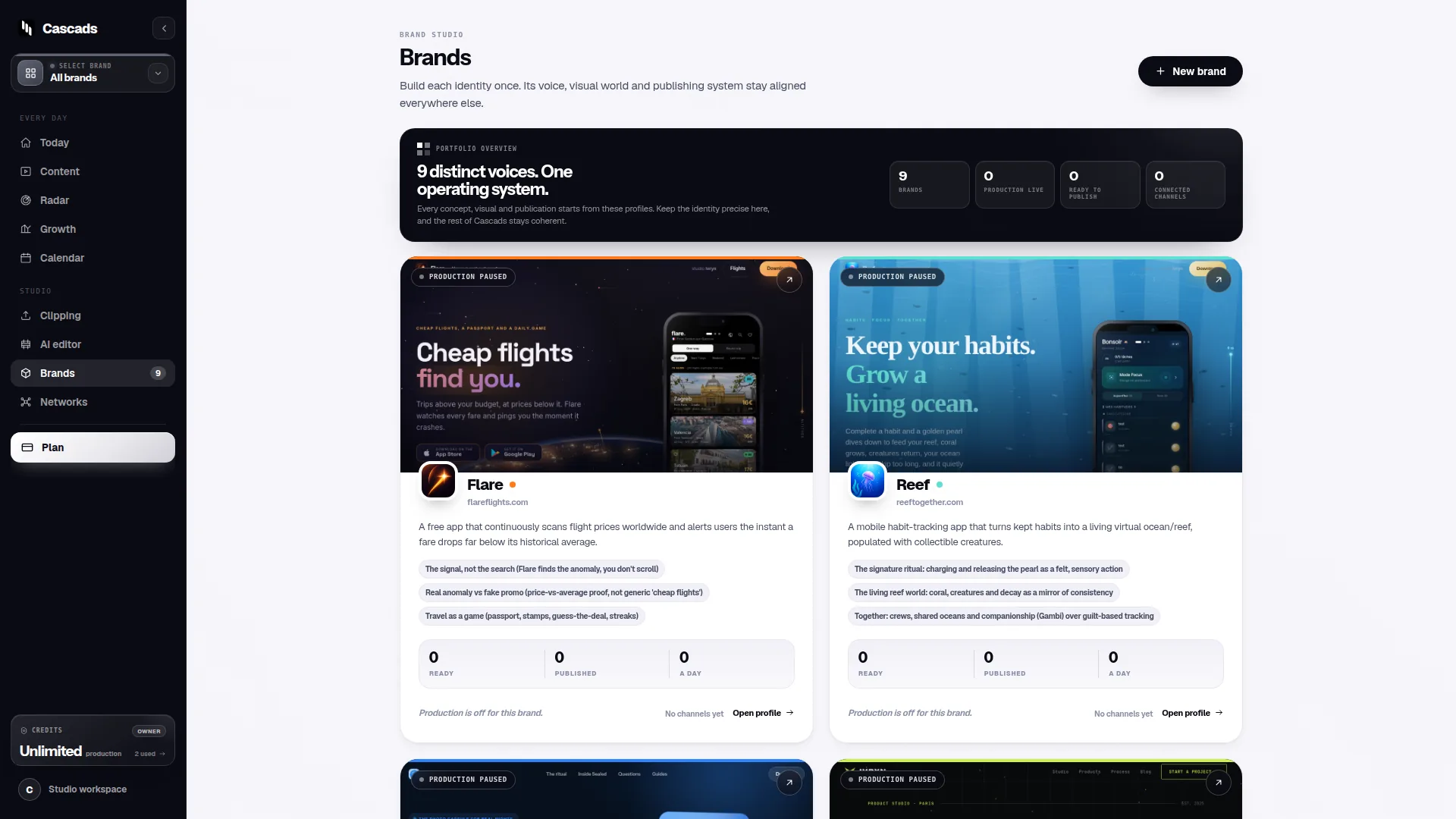
Where this gets more complicated is multi-format production. A single brand campaign might need a text post for one network, a vertical video for another, and a carousel for a third. Each format has different creative requirements and different publishing rules, so an automation that only handles one format is only solving part of the problem. Cascads, an IVRYN product for social content production and scheduling, is built around this reality: it generates text posts, vertical videos and carousels from a single reusable brand profile, so the same underlying brand definition can produce output suited to each format rather than forcing one format to stand in for all of them.
That single point is useful context for anyone evaluating n8n-style automation: the harder part is rarely the trigger-and-send mechanics, it's making sure the content itself is on-brand and format-appropriate before it ever reaches a publishing step.
Human review is not optional, it's structural
Generated marketing output, whatever tool produces it, should be treated as a draft rather than a finished asset. This is true regardless of how automated the pipeline is. A workflow that skips review to save an extra step is optimizing for speed at the expense of the thing that actually protects the brand: a person looking at the post before it reaches an audience.
This is also where automation design and approval workflow design need to work together rather than being treated as separate concerns. An approval step built into the workflow, where a draft pauses for sign-off before the publishing action fires, tends to hold up much better over time than a review step that happens outside the automation and can be skipped under deadline pressure.
Teams building this in n8n specifically should treat the approval node as load-bearing, not optional. If the automation makes it easy to bypass review when someone is in a hurry, that is a design flaw, not a convenience.
Publishing is bounded by the network, not the workflow tool
One thing that catches teams off guard is that direct publishing depends on factors outside any workflow tool's control: which network is being used, what media format is involved, what permissions the connected account has, and whether the platform itself approves the request. n8n can format and send a request, but it cannot override a network's format requirements or account restrictions, and neither can any other automation or content platform.
In practice this means format-aware publishing has to be built into the workflow logic itself, not bolted on afterward. A carousel destined for one network needs different handling than a vertical video destined for another, and an automation that treats every output the same way will eventually hit failures that look like bugs but are actually platform-level constraints.
Building a workflow with this in mind from the start, rather than discovering the constraints through failed publish attempts, saves significant rework later.
A worked example: mapping a workflow before you build it
Here is a hypothetical, illustrative only, to show how these pieces fit together. Imagine a small agency managing three brands, each posting to two networks a week: one text post and one vertical video per brand. Before writing a single n8n node, it helps to map the workflow on paper.
Example workflow map:
- Trigger: a new brief is added for a brand profile
- Generation step: text and video drafts are produced from that brand's reusable profile
- Review step: drafts sit in a queue until a named person approves or edits them
- Format check: confirm the video meets the target network's vertical format and length requirements
- Publish step: approved content is sent to the network via its permitted account connection
- Fallback: if platform approval or format checks fail, the item returns to draft rather than silently disappearing
A short decision checklist before automating
Before committing to a social media automation n8n build, it's worth running through a small set of questions that tend to predict whether the project will hold up over time.
If most of these questions can be answered clearly, an n8n-based workflow, or a dedicated platform like Cascads for the content generation and scheduling side, is more likely to run smoothly.
- Does every brand have a defined profile or brief that generation steps can pull from?
- Is there a named person responsible for reviewing drafts before they go live, and do they have time built into the schedule?
- Does the workflow handle each output format (text, video, carousel) with its own logic rather than a single generic path?
- Is there a fallback for when a network rejects a post, rather than assuming approval will always succeed?
- Who is accountable if an automated post goes out with an error?
Where automation fits and where it doesn't
Social media automation n8n workflows are genuinely useful for reducing repetitive manual work: pulling briefs, kicking off generation, routing drafts for approval, and sending approved content on to the right network. That value is real and worth pursuing for teams juggling multiple brands.
What automation does not remove is the need for brand-specific content quality, a real human review step, and an awareness that publishing outcomes are ultimately governed by the network, not the workflow. Any tool used for this, whether a general-purpose automation platform or a purpose-built product like Cascads, sits inside those same limits. Planning for them up front, rather than treating them as edge cases, is what separates a workflow that scales from one that quietly breaks under load.
Frequently asked questions
Can n8n fully automate social media posting without any human involvement?
Technically a workflow can be built to skip review, but generated marketing content should be treated as a draft that a person checks before publication, and platform approval and account permissions still apply regardless of how the workflow is built, so full hands-off automation is not advisable.
Why would a post fail to publish even if the automation ran correctly?
Direct publishing depends on the destination network, the media format used, the connected account's permissions, and the platform's own approval process, so a workflow can execute correctly and still have a post rejected or delayed for reasons outside its control.
Do I need different automation logic for videos, carousels and text posts?
Yes, each format has different creative and technical requirements, so a workflow that treats every output the same way is more likely to hit avoidable errors than one that checks format-specific requirements before attempting to publish.
Sources and further reading
These resources provide the wider reference frame. Product statements on this page are limited to the public information provided by Cascads.