Why teams schedule posts to social media in the first place
Teams that schedule posts to social media are usually trying to solve a time-zone and headcount problem: content needs to go out at consistent times across several accounts, but nobody wants to be online at 7am to hit a publish button. Scheduling tools decouple the moment of creation from the moment of publication, which lets a small team plan a week or a month of output in a single sitting.
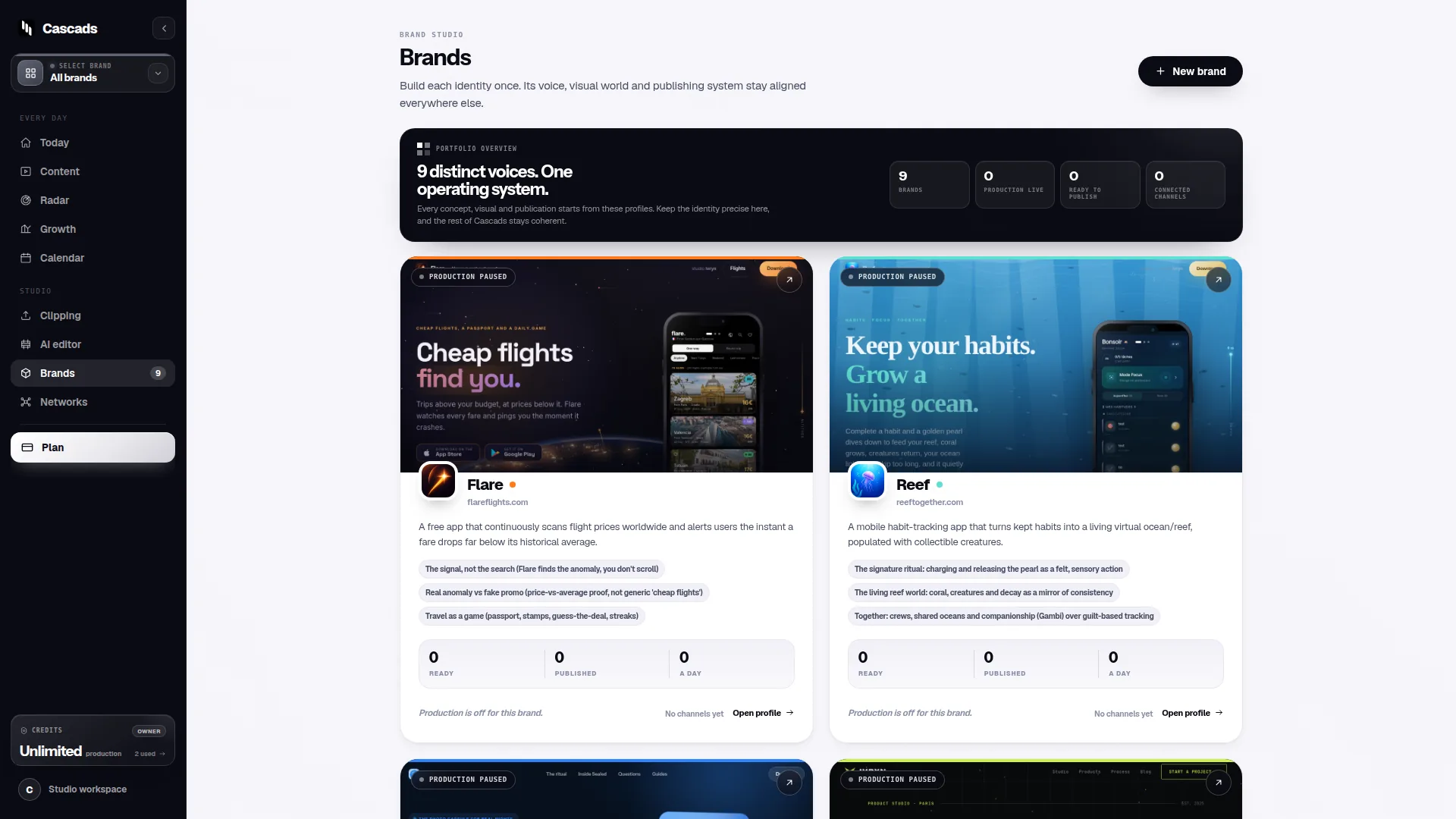
That decoupling only works well if the underlying content is organized around something stable. For agencies and multi-brand teams, that stable unit is usually a brand profile: a set of assumptions about tone, visual identity and preferred formats that doesn't change post to post. When scheduling tools are built around that kind of reusable context, planning ahead becomes less about rewriting instructions every time and more about adjusting a calendar.
Brand context as the foundation of a scheduling workflow
Before any calendar exists, someone has to decide what a given brand sounds and looks like across channels. This is where a lot of scheduling breaks down in practice: a tool can queue posts perfectly and still produce output that feels inconsistent if there's no shared reference point behind each piece of content.
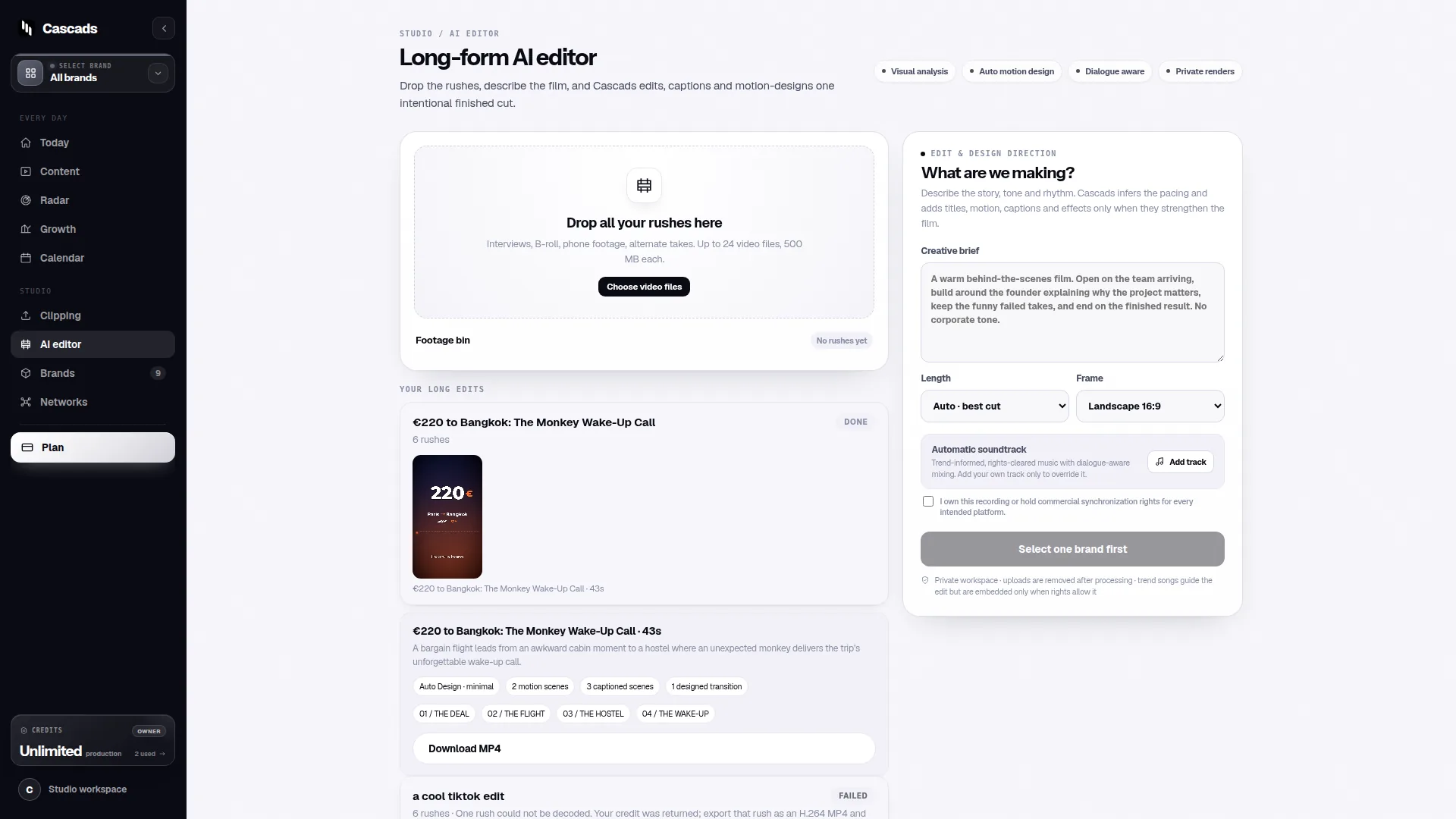
Cascads approaches this by keeping a reusable profile per brand that informs the content it generates - text posts, vertical video and carousels alike - so that a team producing for several clients or brands isn't rebuilding context from scratch every time. That's a narrow, product-specific detail rather than a general claim about scheduling tools, but it's relevant here because 'schedule posts to social media' is really two separate problems: producing consistent content, and getting it published at the right time. Solving only the second one without the first tends to produce a tidy calendar full of mismatched content.
In practice, this means the scheduling question should come after a brand-context question: does the workflow have a stable place to store voice, visuals and format preferences, or is that knowledge sitting in someone's head?
Multi-format production changes what 'scheduled' actually means
A single scheduled slot rarely means a single kind of asset. A weekly plan might call for a text update on one network, a vertical video on another, and a carousel somewhere else, all tied to the same campaign idea. Treating these as interchangeable 'posts' in a calendar can hide real differences in production time, review needs and platform behavior.
Video and carousel formats typically take longer to prepare and review than a short text update, so a schedule built without accounting for that gap tends to slip closer to the publish date than a team would like. It helps to think of the calendar as holding format-specific lead times rather than one uniform buffer for every post.
Multi-format production also means scheduling tools need to understand what a given network actually accepts. A carousel that works on one platform may need to be restructured or dropped entirely for another, and vertical video has its own constraints around length and aspect ratio that vary by placement.
Human review still belongs in the loop
Even with a solid brand profile and a format-aware calendar, generated marketing content should go through a human review step before it publishes. This isn't a formality - it's the point where someone checks that a caption reads naturally, a claim in a post is accurate, or a visual doesn't clash with something happening elsewhere in the brand's public presence that day.
Cascads keeps this review step explicit rather than optional: generated output is treated as a draft for a person to check, not as something that ships automatically once queued. For teams managing several brands, that review point is often where scheduling problems actually get caught - a post scheduled two weeks out can look fine in isolation and still need adjustment once someone reviews it against current context.
A practical habit is to schedule the review itself, not just the publish time. Building in a fixed window - say, 48 hours before a post goes live - for someone to read it and approve it turns review from an afterthought into a routine part of the calendar.
Format-aware publishing and the limits worth knowing upfront
Even when content is ready and approved, publishing directly from a scheduling tool depends on factors outside the tool's control: which network is involved, what media format is being sent, what permissions the connected account has, and whether the platform's own approval process allows automated publishing for that account type. These aren't quirks of any one product - they're standard conditions across social media APIs generally, and they're worth checking before a team commits to a fully automated publish flow for every format.
This matters most when a team assumes 'scheduled' means 'hands-off.' In some cases a scheduling tool can publish a post automatically once approved; in others, the platform's own restrictions mean the final step still needs a person to post manually, even though the content and timing were planned in advance. Knowing which of those applies to each network and account, before building a workflow around it, avoids surprises close to a publish date.
Cascads' own publishing integration checklist and approval workflow guide (linked below) are useful references for working through these account- and format-level conditions in more detail, since they lay out the kind of checks worth doing per network rather than assuming one flow fits all.
A worked example: planning a week across three brands
Consider a hypothetical agency team managing three client brands, each with a weekly post on one network and one heavier video piece for another network. This is an illustrative scenario, not a reported case.
In week one, the team sets up each brand's profile with its tone and visual preferences, then drafts the week's text posts and one carousel per brand using that context. Video posts, because they take longer to prepare, get planned two days ahead of the text posts in the same calendar. Each piece goes into a review queue with a 48-hour buffer before its scheduled time.
During review, one brand's carousel gets flagged because a competitor announcement changed the context of a planned claim, so it's held back and replaced with a text-only update for that slot - illustrating why the review step matters even after content is generated. For the network where automated publishing isn't available for that account's permission level, the approved video is queued as a reminder for someone to publish manually at the scheduled time rather than assuming it will go out on its own.
This kind of walkthrough is meant to show how the pieces - brand context, format-specific lead times, review buffers and per-network publishing checks - fit together in a single week, not to suggest a fixed template every team should copy exactly.
Building a checklist before you schedule posts to social media
Pulling the above together, a workable pre-scheduling checklist for a small team or agency might look like this. It's meant as a starting point to adapt, not a rigid sequence.
The goal of a checklist like this isn't to add bureaucracy - it's to make the gaps between 'content is drafted' and 'content is live' visible before they turn into a missed post or an unapproved claim going out.
- Confirm each brand has a current profile covering tone, visuals and preferred formats
- Set format-specific lead times (text vs. video vs. carousel) rather than one uniform buffer
- Block a fixed review window before every scheduled publish time
- Check, per network and account, whether direct automated publishing is actually available for the format involved
- Have a fallback plan (manual publish reminder) for any network/format combination where automation isn't available
- Revisit brand profiles periodically so scheduled content doesn't drift from current context
Frequently asked questions
Can scheduled posts always publish automatically without further action?
Not always. Automated publishing depends on the network, the media format, the permissions on the connected account, and the platform's own approval process, so some scheduled posts may still require a manual publish step even after content and timing are finalized.
Why does brand context matter for social media scheduling?
Without a stable reference for tone, visuals and format preferences, a schedule can stay accurate on timing while producing inconsistent content. Keeping brand context in one reusable place helps keep planned posts aligned with how a brand actually presents itself, whatever tool is used to produce or queue them.
Should generated social content skip human review if it looks ready to publish?
No. Generated marketing content should go through human review before publication regardless of how polished it appears, since review is often where factual accuracy, timing relevance and brand fit get checked against current context rather than the state of things when the post was first drafted.
Sources and further reading
These resources provide the wider reference frame. Product statements on this page are limited to the public information provided by Cascads.