Why social media management images need a workflow
Social media management images are not simply design files waiting to be posted. For a small team or agency, each image carries brand choices, campaign context, format requirements and an intended destination. The work becomes harder when the same campaign must serve several brands, channels or publishing windows.
A useful workflow separates three decisions that are often blurred together: whether an image communicates the right message, whether it is technically appropriate for its planned format, and whether it is ready to be published. Treating those as separate checks reduces the temptation to make a last-minute edit after a file has already been scheduled.
The aim is not to create a rigid approval process for every asset. It is to make the important decisions visible: who owns the brand decision, who confirms the final copy and visual, and who checks the platform-specific publishing conditions.
- Define the audience and campaign purpose before selecting a visual.
- Assign a named reviewer for brand-sensitive or client-facing work.
- Keep the approved asset, caption and destination together in one clear handoff.
Start with brand context, not the image size
Image dimensions matter, but they are not the first question. Before production begins, establish the brand context: the product or service being represented, the audience, the visual boundaries, the campaign objective and the call to action. This gives designers, writers and reviewers a shared basis for deciding whether an image belongs in the plan.
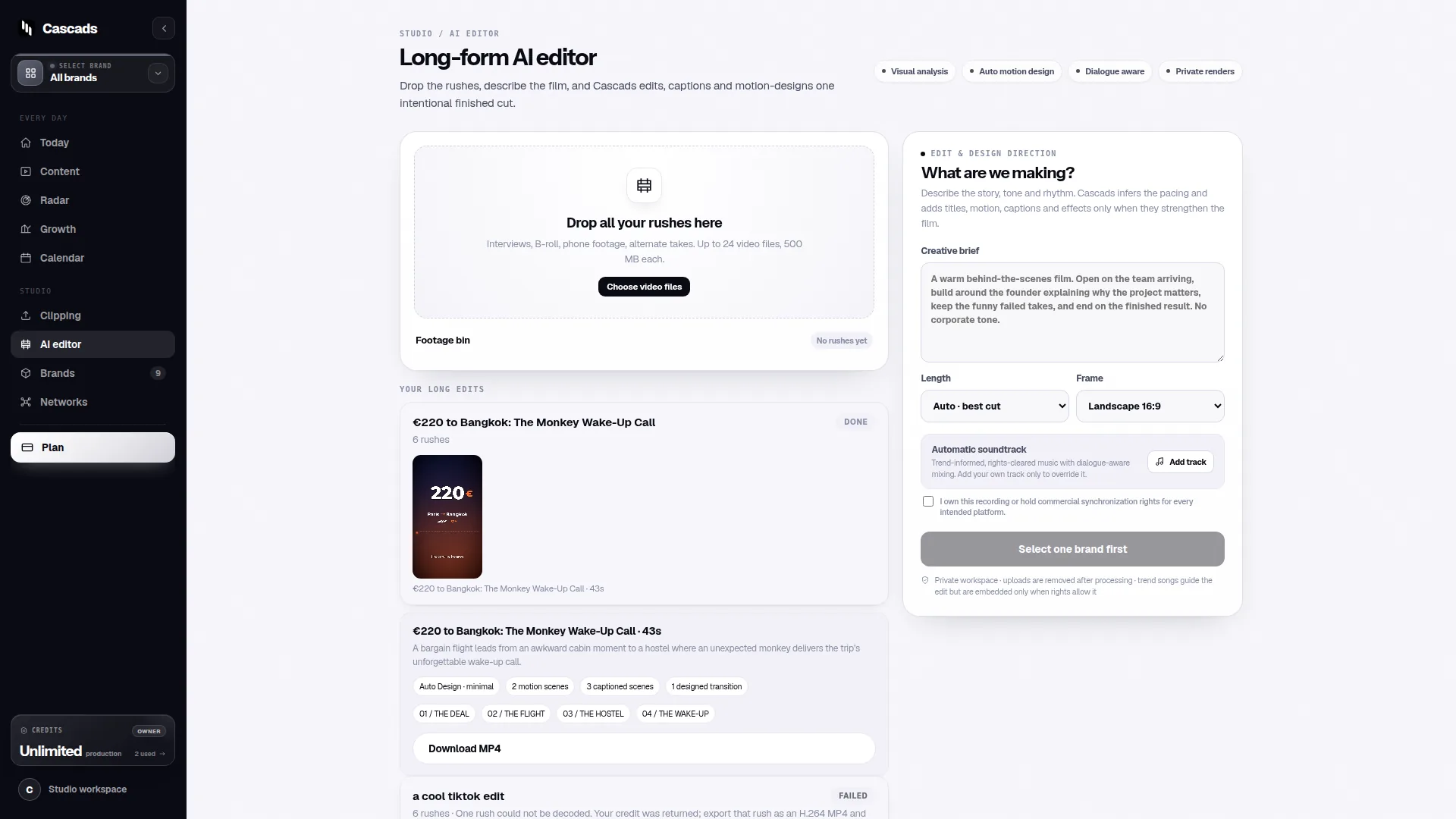
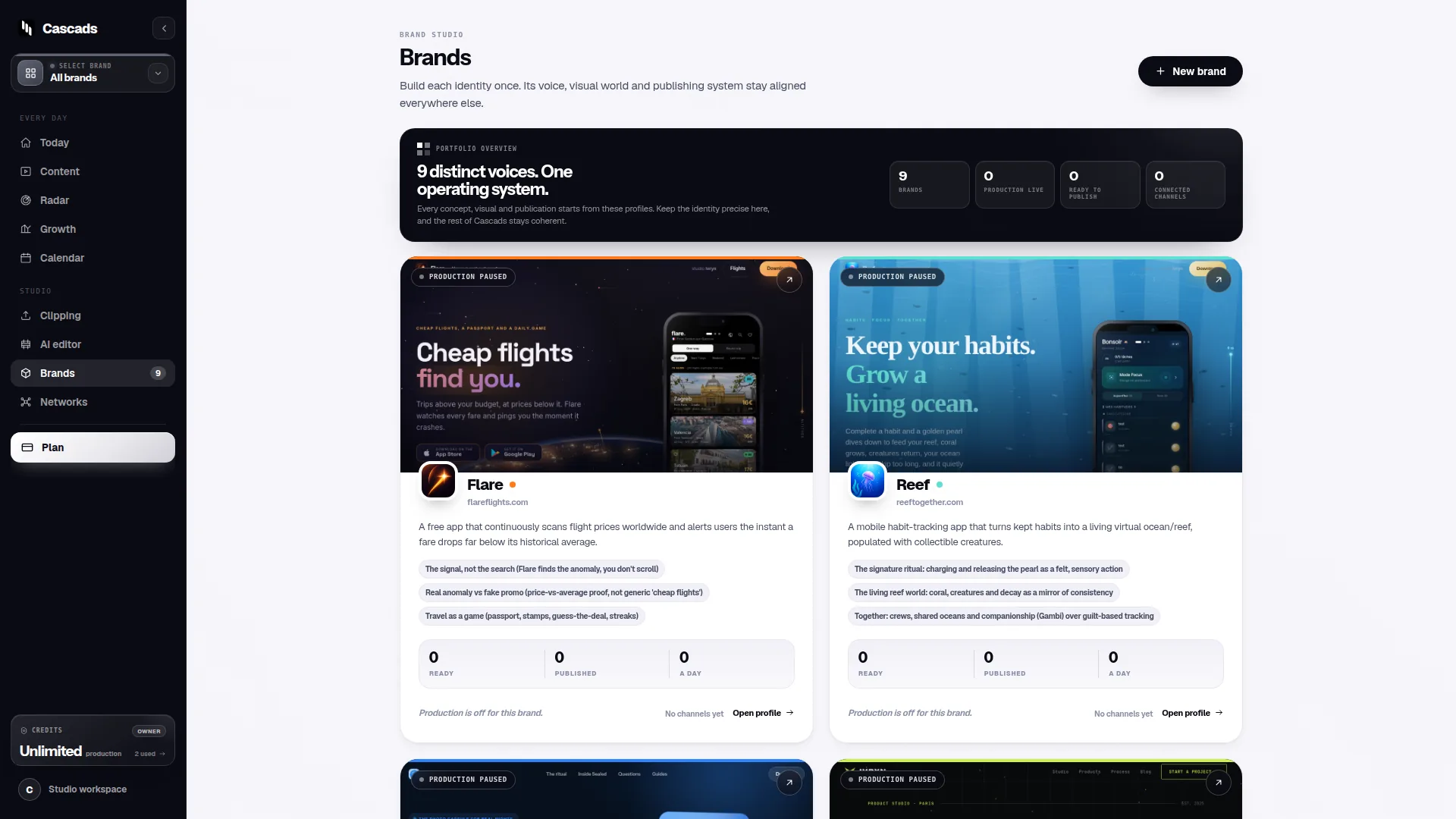
For agencies, reusable brand profiles can reduce repetitive briefing. Cascads is an IVRYN product for producing and scheduling social content; its public product context includes creating written posts, vertical video and carousel content from a reusable profile for a brand. That can help organize recurring work, but it does not remove the need to verify a specific asset against the current campaign and destination.
Brand context also prevents a common form of inconsistency: reusing a visually attractive image with a message that no longer matches the offer, audience or channel. A library should make approved material easier to find, while still recording where and why it can be used.
- Record approved colours, typography, imagery boundaries and tone.
- Link each asset to a campaign objective and intended network.
- Mark time-sensitive offers, rights restrictions and required approvals.
Social media management images across formats
A single source idea can become an image post, a carousel and a vertical video, but those are different editorial objects. A static image may need one clear message. A carousel needs a sequence that works slide by slide. A vertical video needs legible visual pacing and a first frame that still communicates if viewed silently or quickly.
Planning formats early is more efficient than resizing a finished design at the end. Ask what information can be shown in one frame, what needs a sequence, and what would be better explained through motion. This keeps the message intact rather than treating each network format as a technical export task.
Format-aware production also means planning the accompanying text. The caption, asset and landing destination should reinforce one another. If a visual makes a claim or presents a step, the copy should provide enough context for a reader who only sees one of them.
- Use a static image for one focused idea or announcement.
- Use a carousel when the reader benefits from a sequence or comparison.
- Use vertical video when motion, demonstration or paced explanation adds meaning.
Human review is the publication boundary
Generated marketing material should be reviewed by a person before it goes live. That review is not just a spelling check: it is the point where a team confirms that the visual, caption, context and destination are appropriate for the brand and audience.
An approval workflow is especially valuable when responsibilities are split across an agency, client and internal marketing team. The workflow should show the current status, identify the person expected to decide, and preserve feedback close to the asset being discussed. The public Cascads guidance on approval workflows is relevant here because it frames approvals as a practical part of publishing rather than an afterthought.
A review can be proportionate. Routine posts may require one accountable reviewer, while partnership, regulated, sensitive or client-approved material may need additional sign-off. What matters is that the team decides the level of review before a deadline turns it into an emergency.
- Check factual wording, visual accuracy and brand fit.
- Confirm that usage rights and disclosures have been handled where relevant.
- Approve the final combination of asset, copy, destination and scheduled time.
Publishing limits: readiness is not the same as delivery
An approved image is ready for your team’s publication decision, but direct publication may still depend on the target network, the media type, account permissions and approval by the external platform. A schedule should therefore be treated as a planned action with conditions, not a promise that every asset will publish identically everywhere.
The public publishing integration checklist is useful as a preflight reference: account access and platform connection details should be checked before a campaign is due, rather than when a post is already waiting to go out. Teams should also expect that a platform may handle formats, permissions or media requirements differently over time.
Build a fallback path for important posts. That might be a manual publishing owner, a documented asset location and a final caption ready to copy. The fallback is not evidence of failure; it is ordinary operational planning when another platform controls the final acceptance of content.
- Confirm the correct account and the required publishing permissions.
- Check the planned media format against the selected destination.
- Keep a manual publishing fallback for deadline-critical content.
Example: a decision aid for a three-brand campaign
Example: an agency is preparing a campaign about a new service across three client brands. The campaign team has one core message but different audiences and visual identities. Instead of making one master graphic and duplicating it, the team creates a short decision record for each brand before production.
For Brand A, the audience needs a concise announcement, so the team chooses a single image with a short caption. For Brand B, the audience needs an explanation, so the team chooses a carousel with one idea per slide. For Brand C, the service is easier to understand in motion, so the team plans a vertical video. Each item is reviewed with its caption, destination and scheduled channel.
Before scheduling, the publisher checks account permissions and whether the chosen network can accept the intended media type through the available connection. If a platform condition prevents direct publishing, the designated owner receives the approved files and publishing instructions for manual completion. This example is a planning method, not a prediction of platform acceptance or campaign results.
- 1. Is the message and visual appropriate for this brand and audience?
- 2. Which format best communicates the idea on this destination?
- 3. Has a human approved the final asset and accompanying copy?
- 4. Are account access, media format and platform conditions confirmed?
- 5. Who publishes manually if direct delivery is unavailable?
Frequently asked questions
What are social media management images?
Social media management images are visual assets planned, reviewed, organized and published as part of a broader social content workflow. They can include single-image posts, carousel slides and visual elements used in vertical video.
Can an approved social media image always be published automatically?
No. Even after a team approves an asset, direct publishing can depend on the destination network, the media format, the account’s permissions and the external platform’s approval of the publication action.
Why should a person review generated social content before publishing?
Human review confirms that generated content fits the intended brand, message, audience, format and publication context before it is released. It also creates a clear accountability point for final edits and approval.
Sources and further reading
These resources provide the wider reference frame. Product statements on this page are limited to the public information provided by Cascads.