Why 'cheap' is the wrong first filter
When people search for a social media scheduler cheap enough for a small team or a busy agency, price is usually a proxy for a different worry: not wanting to pay for capacity you won't use. That's a reasonable instinct, but price alone tells you almost nothing about whether a tool will actually fit how you produce content week to week.
A more useful first question is what the tool assumes about your workflow. Some scheduling tools assume you already have finished assets and just need a calendar and a queue. Others assume you're producing content from scratch for multiple brands and need some structure around that production step. If your real bottleneck is creating enough varied content, not just scheduling it, a cheap calendar tool won't solve your actual problem, no matter how low the monthly fee is.
- Ask what the low price excludes (seats, brands, connected accounts, post volume) before comparing headline numbers
- Separate 'cheap to subscribe' from 'cheap in total time spent producing and reviewing content'
What changes when you manage several brands
Teams and agencies rarely manage a single account. Once you're juggling several brands or clients, the practical cost of a scheduler shows up in how much repeated setup work it demands. A tool that makes you rebuild tone, visual style, and posting cadence from scratch for every brand adds hidden labor that a subscription price doesn't capture.
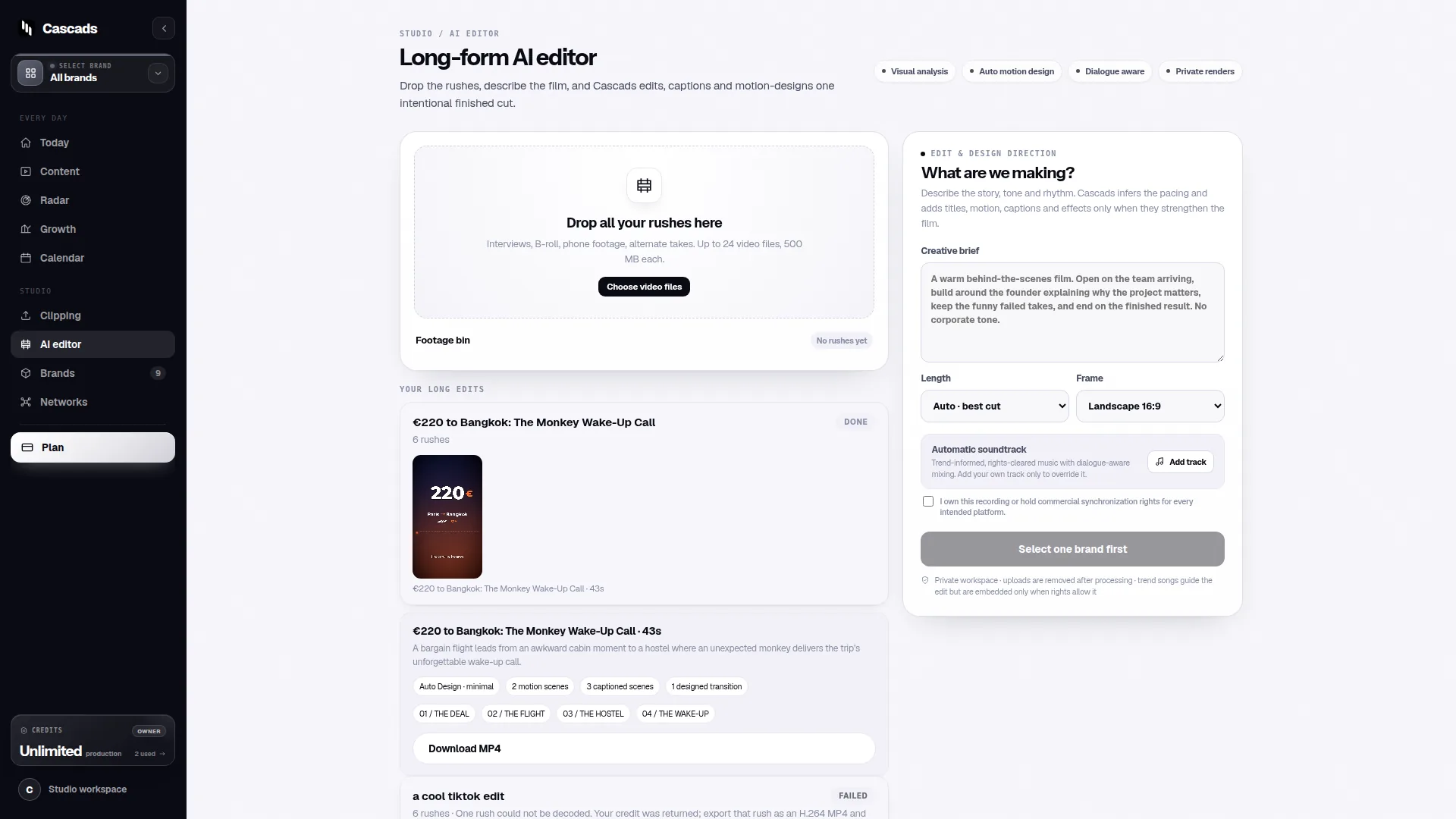
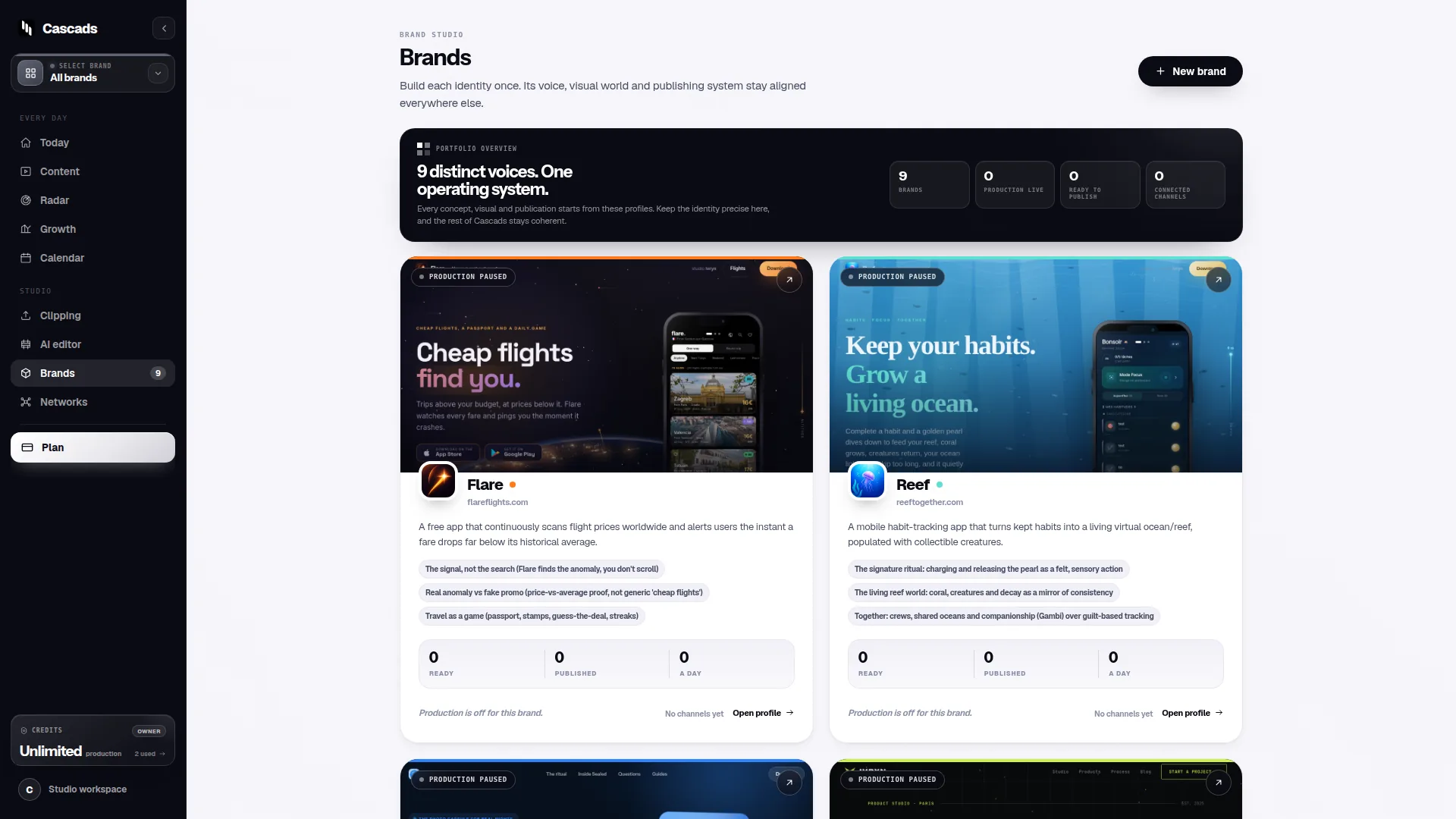
This is where the idea of a reusable brand profile becomes relevant rather than a nice-to-have. Cascads, for instance, is built around generating text posts, vertical videos and carousels from a profile you set up once per brand, so subsequent content generation and scheduling starts from that context instead of a blank page. That's a workflow characteristic worth checking for in any tool you consider, cheap or otherwise, because it directly affects how much time your team spends per brand per week.
- Count how many brand profiles or workspaces the plan actually includes at the advertised price
- Check whether brand voice, logo, and format preferences need to be re-entered for each client
Format-aware publishing: the limit most price comparisons skip
A social media scheduler cheap enough to fit a tight budget still has to contend with the same constraint every scheduler faces: publishing behavior depends on the network, the media format, the account's permissions, and approval from the platform itself. This isn't a limitation specific to any one vendor. It's a structural fact of working with third-party platforms, and it applies whether you're paying five dollars a month or fifty.
In practice this means some formats on some networks may support direct publishing, while others require you to receive a notification and post manually, or may not be available at all depending on your account type. A cheap tool that doesn't disclose this clearly can leave you assuming full automation when the reality is partial. Before committing, it's worth reviewing how a vendor documents these limits; Cascads publishes a publishing integration checklist that lays out this network-by-network, format-by-format reality rather than treating scheduling as uniformly automatic.
If your content mix includes vertical video and carousels alongside standard text posts, ask specifically how each format is handled per network, not just whether the tool 'supports' that network in general terms.
- Confirm per-network, per-format publishing behavior, not just platform logos on a pricing page
- Ask what happens when a platform revokes or changes API access for a given format
Human review still belongs in the loop
Whatever tool you choose, generated or automated marketing content should go through human review before it's published. This is true regardless of price point, and it's worth budgeting time for even when a scheduler markets itself as fully automated. A cheap tool that skips this step to save you time is trading a small time saving now for a larger risk later, whether that's a factual error, an off-brand tone, or content that doesn't match a client's expectations.
This is where an approval workflow matters more than people expect from a scheduling tool. If several people touch content, brand strategist, account manager, client, a scheduler that doesn't support a review step before publishing forces that review to happen outside the tool, informally, which is exactly the kind of gap that leads to mistakes. Cascads documents an approval workflow publicly for this reason: review is treated as a built-in step rather than an assumption left to the user.
- Check whether the tool has a distinct 'ready to publish' state that requires explicit approval
- Decide in advance who has approval authority for each brand or client
A worked example: choosing between two low-cost options
Here is a hypothetical, for illustration only, not a claim about any specific product's current pricing or features. Imagine a small agency managing four client brands, each needing two vertical videos and three text posts per week, evaluating two scheduling tools both advertised near the same low monthly price.
Tool A charges per connected account and offers a shared calendar, but every brand's content has to be uploaded manually after being created elsewhere, and there's no built-in approval step before scheduling. Tool B charges a similar amount but is structured around one profile per brand, generates draft content from that profile, and requires a reviewer to approve each post before it can be scheduled.
On price alone these look interchangeable. In practice, Tool A's cost shows up as extra hours spent creating and re-uploading content and as risk from skipped review. Tool B's structure absorbs some of that labor into the tool itself and builds review into the process. The lesson isn't that one structural approach is universally better, it's that the sticker price says nothing about where the real cost lands, and it's worth mapping out your own weekly volume against each candidate before deciding.
- List your actual weekly post count and format mix per brand before comparing tools
- Estimate hours spent per week on content creation, review, and manual publishing under each option
A short checklist before you commit
Given the above, a practical way to evaluate a social media scheduler cheap enough for your budget is to work through a short set of questions rather than comparing price tags directly. None of these require deep technical knowledge, just a clear look at your own workflow.
This checklist is meant to be used with whatever pricing page or trial you're currently looking at, filling in the specifics for that tool as you go.
- Does the price include enough brand profiles or workspaces for your current client list, not just your smallest hypothetical use case?
- Does the tool disclose which formats and networks support direct publishing versus manual posting?
- Is there a built-in approval step before content goes live, and can you assign who approves what?
- What happens to your account and content if a connected platform changes its API access?
- Does the tool reduce repeated setup work per brand, or does every brand start from zero?
Frequently asked questions
Is a cheap social media scheduler ever a bad fit for an agency managing multiple brands?
It can be, if the low price excludes enough brand workspaces or requires rebuilding brand context from scratch each time. For agencies, the more relevant cost is often the setup and review time per brand, not just the subscription fee, so it's worth checking those details before comparing prices directly.
Can a scheduler guarantee that every post format will publish automatically on every network?
No. Direct publishing depends on the network, the media format, the connected account's permissions, and approval from the platform itself, so some content may need manual posting regardless of which scheduler you use. Any tool should disclose these limits clearly rather than presenting automation as universal.
Should generated or scheduled content skip human review to save time?
No. Generated marketing content should go through human review before publication regardless of cost or automation level, since review catches brand, tone, and factual issues that automated generation and scheduling can't reliably catch on their own.
Sources and further reading
These resources provide the wider reference frame. Product statements on this page are limited to the public information provided by Cascads.