Why teams still reach for a social media schedule excel template
A social media schedule excel template is popular for a simple reason: it is flexible, free to start, and easy to share with anyone who has a spreadsheet program. For a small team or an agency juggling several brands, it can act as a single source of truth for what is going out, when, and on which network, without needing to onboard everyone into a dedicated tool.
But a spreadsheet is only as useful as the structure behind it. Before building or downloading one, it helps to know what the template needs to capture, where spreadsheets tend to break down as volume grows, and which parts of the publishing process a spreadsheet cannot actually control on its own.
What a good template needs to capture
At minimum, a usable schedule should track the brand or account, the network, the content format (text post, vertical video, carousel), the caption or copy, the scheduled date and time, the approval status, and a link to the asset or draft. For teams managing multiple brands, a dedicated brand or client column is essential, since mixing brand voices and assets in one flat list is a common source of mistakes.
It also helps to separate 'planned' from 'approved' from 'published' as distinct status values rather than a single checkbox. This distinction matters because content that looks finished in a spreadsheet is not necessarily ready to go live - someone still needs to confirm it has been reviewed and that the destination account and format actually support it.
- Brand or client identifier
- Network and content format
- Scheduled date and time zone
- Approval status (planned, approved, published)
- Link to the live asset or draft
- Owner responsible for final review
Where a spreadsheet stops being enough
A spreadsheet can tell you what should happen and when, but it cannot enforce that it happens correctly. Direct publishing to a network depends on factors a cell in Excel cannot verify: the specific format supported by that network, the permissions granted on the connected account, and approval from the platform itself. A spreadsheet that says 'publish 9am Tuesday' does not guarantee the account has posting rights, or that the video length fits the platform's constraints.
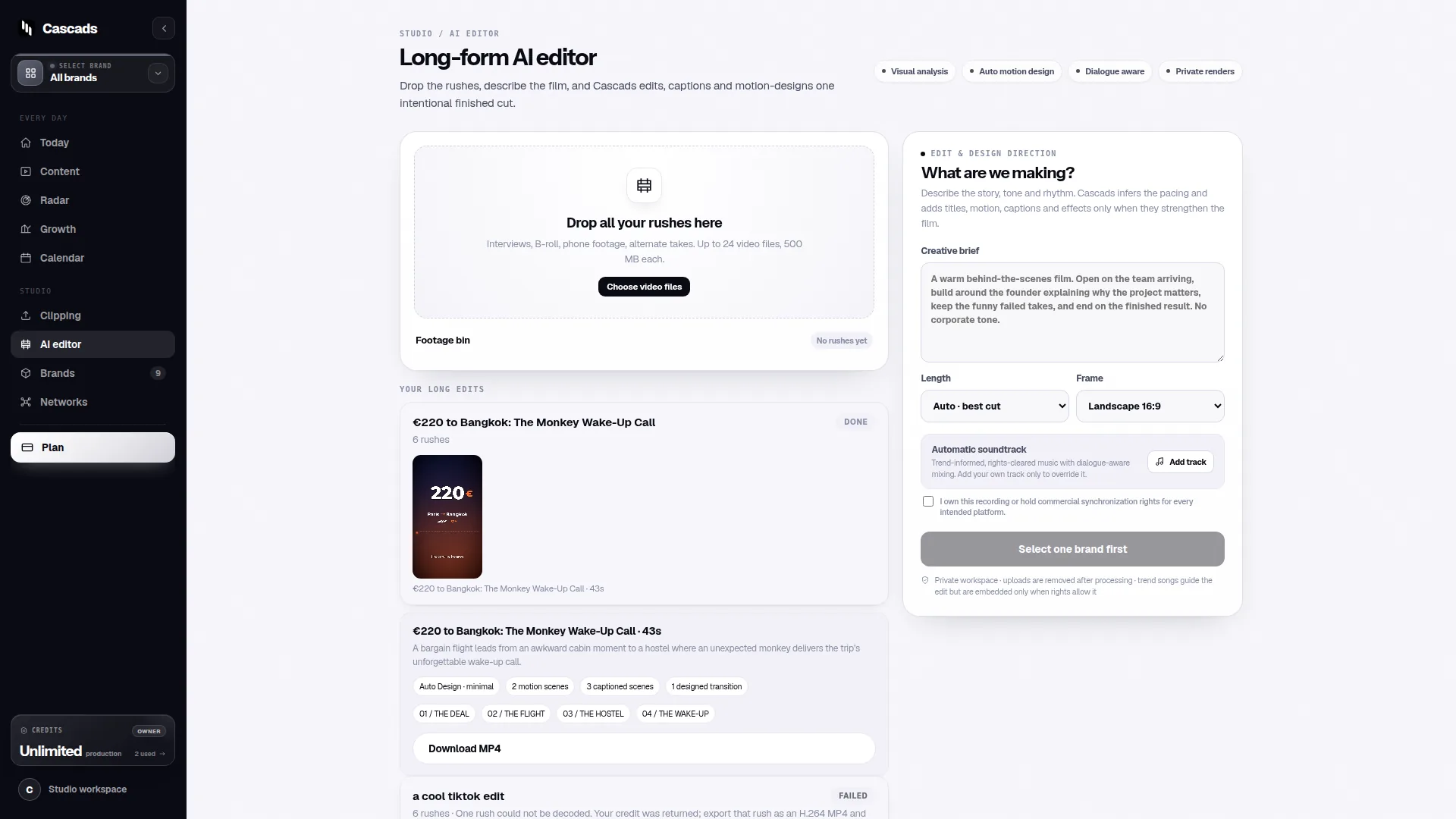
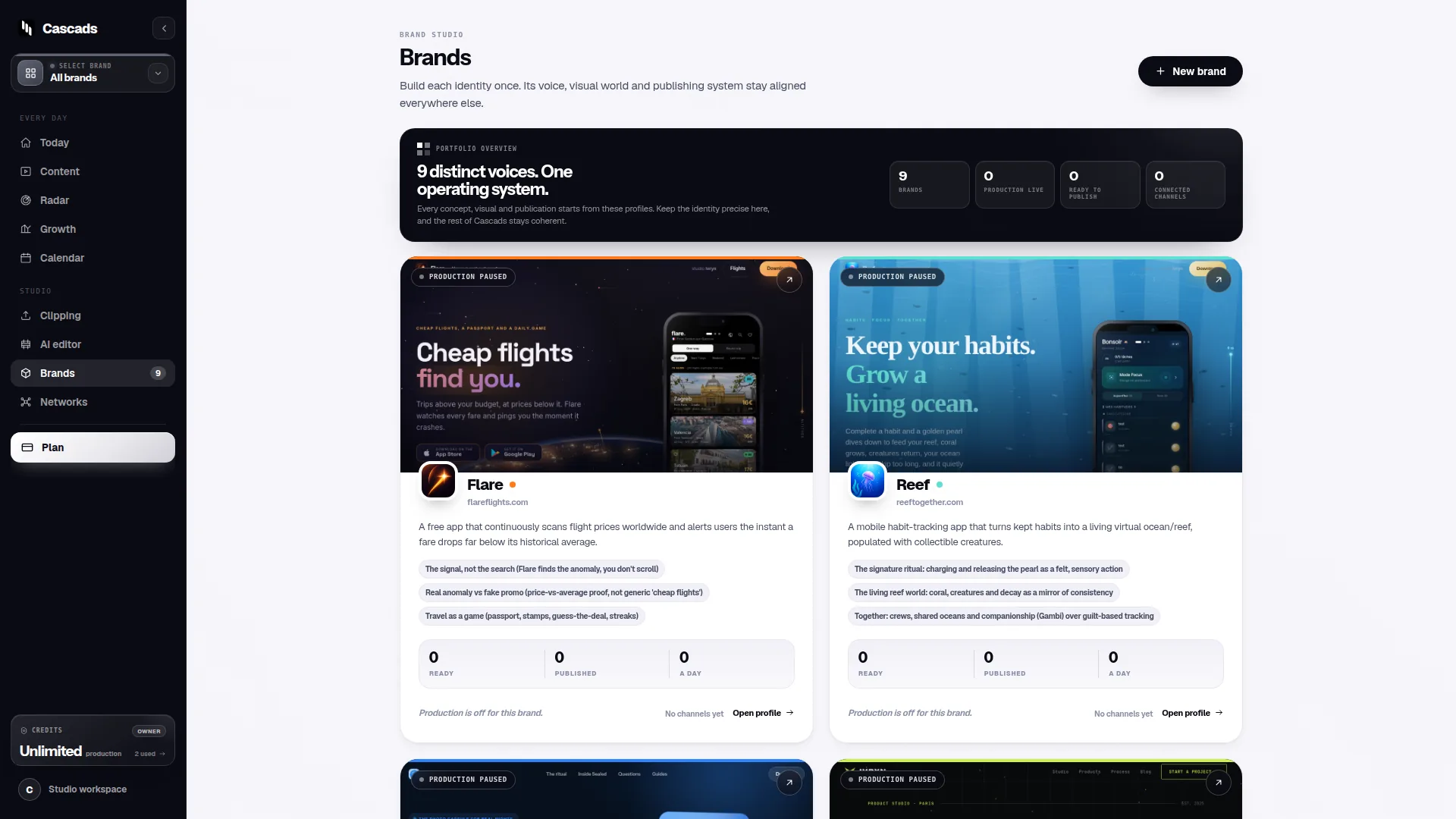
This is where teams often add a manual cross-check step, or move to a tool that connects to the networks directly. Cascads, for example, is built around brand profiles that generate text posts, vertical videos, and carousels for a given brand, and it exists specifically because production and scheduling across formats and networks benefits from more structure than a flat spreadsheet can offer. That said, even with such a tool, publishing still depends on the network, the media format, account permissions, and platform approval - the same constraints a spreadsheet cannot resolve on its own.
In practice, this means a spreadsheet works well as a planning and review layer, but the actual publishing step usually needs its own verification, whether that is a manual check against each platform's current requirements or a tool designed to surface those constraints before content goes live.
Building in human review, not just a status column
A common gap in DIY schedule templates is treating 'approved' as a formality rather than a real checkpoint. Marketing content, even when drafted with help from a tool or an assistant, should go through a human review before it is published - checking tone, factual accuracy, and whether the asset actually matches the brand and the destination platform's format.
A practical way to build this into a spreadsheet is to require two separate approvals for anything automated or templated: one for the content itself (does this represent the brand accurately) and one for the publishing details (is this the right format, account, and time for this network). Skipping this separation is a frequent cause of posts going out with the wrong asset, the wrong account, or an unreviewed caption.
A worked example: a three-brand agency week
Consider a small agency managing three brands across Instagram, TikTok, and LinkedIn. One reasonable way to structure the excel template for a single week is to use one tab per brand, with each row representing a single post, and consistent columns across all tabs so the team can copy a status report into a shared summary sheet.
For example, a Tuesday row for 'Brand A' might read: Network = Instagram, Format = carousel, Draft link = [asset URL], Status = Approved, Scheduled time = 9:00 AM, Publisher account permission confirmed = Yes, Reviewer = initials, Published = pending. Each field forces a small but real check rather than a vague 'ready to post' label.
This is an illustrative structure, not a claim about how any particular team must work - the point is that the fields exist to catch the two failure modes described above: content that hasn't been properly reviewed, and publishing details that haven't been confirmed as compatible with the destination platform.
Choosing between a spreadsheet and a dedicated tool
For a single brand posting a handful of times a week, a well-structured social media schedule excel template is often genuinely sufficient, and there is no need to add another tool to the workflow. The tradeoffs shift once a team manages several brands, more formats, or more networks, since the manual cross-checks that a spreadsheet requires (format compatibility, account permissions, review status) scale linearly with volume and become easier to miss.
There is no universal threshold at which a spreadsheet stops working - it depends on team size, posting frequency, and how many people touch the schedule. A reasonable signal to reassess is when the team starts noticing recurring publishing errors (wrong format, wrong account, missed review) that trace back to the schedule itself rather than to the content.
Frequently asked questions
Can a social media schedule excel template guarantee that a post will publish automatically?
No. A spreadsheet only records the plan; whether a post actually publishes depends on the network, the content format, the connected account's permissions, and approval from the platform itself, none of which a spreadsheet can enforce on its own.
What columns are most important in a multi-brand schedule template?
At minimum, track the brand or client, the network, the content format, the scheduled date and time, an explicit approval status, and the person responsible for final review, so review and publishing checks aren't skipped as volume grows.
Should AI- or template-generated social content skip human review if it looks polished?
No. Regardless of how content is drafted, it should go through a human review step before publishing to confirm tone, accuracy, and that the asset and format actually match the intended brand and platform.
Sources and further reading
These resources provide the wider reference frame. Product statements on this page are limited to the public information provided by Cascads.