Why teams search for a free post schedule online
Small teams and agencies searching for a free post schedule online are usually trying to solve a specific problem: they need to plan posts across several brands or clients without paying for a full platform upfront. That's a reasonable starting point, but 'free' rarely means 'unlimited' or 'production-ready.' Most free tiers cap the number of connected accounts, the number of scheduled posts per month, or the formats you can queue (text-only versus video or carousel). Before comparing tools, it helps to know which of these limits actually matters for your workload.
The search intent here is commercial investigation, not a quick answer. That means the useful output isn't a single tool name, it's a way to evaluate any free scheduling option against how you actually work: how many brands you manage, how many networks each brand publishes to, and how much of your output needs review before it goes live.
- Number of social accounts included in the free tier
- Post types supported: text, image, video, carousel
- Whether scheduling includes direct publishing or just reminders
- Team seats and approval workflows, if any
What 'free' typically excludes
Free scheduling tools generally cover the basics: queueing text posts and images for a small number of accounts. Where they tend to fall short is multi-format production and cross-brand management. If your work involves generating vertical video or carousel content from a reusable brand profile, rather than uploading pre-made assets, that's usually a paid-tier feature, not a free one.
Direct, automatic publishing is another area where free tiers vary widely and change over time. Whether a scheduled post actually goes live without manual action depends on the social network's API rules, the media format, the permissions granted on the connected account, and the platform's own approval process for automated posting. These constraints exist regardless of which tool you use, and they can shift as networks update their policies, so it's worth checking current documentation rather than assuming a feature list is permanent.
This is also where a structured checklist is more useful than a features table, since the same nominal feature ('scheduling') can behave very differently depending on the account type and network involved.
A brand-context checklist before you schedule anything
Regardless of which free post schedule online you're testing, the following checklist reflects the four things that tend to determine whether a scheduling workflow actually works for a multi-brand team: brand context, multi-format production, human review, and format-aware publishing.
Worked example: imagine an agency managing three brands, each posting text updates on one network and short vertical videos on another. A free scheduler with a five-post monthly cap and no video support would only cover one brand's text posts, leaving two brands and one entire format unaddressed. Running through the checklist below before signing up would surface that gap immediately, rather than after a week of manual video uploads.
- Does the tool let you store distinct brand context (tone, visuals, audience) per client, or do you have to recreate settings each time?
- Can it produce or at least schedule the formats you actually publish, including vertical video and carousels, not just static images?
- Is there a review step before anything goes live, so drafts don't publish automatically without a human check?
- Does it flag when a post can't be auto-published because of network, format or permission restrictions, instead of failing silently?
How Cascads fits into this picture
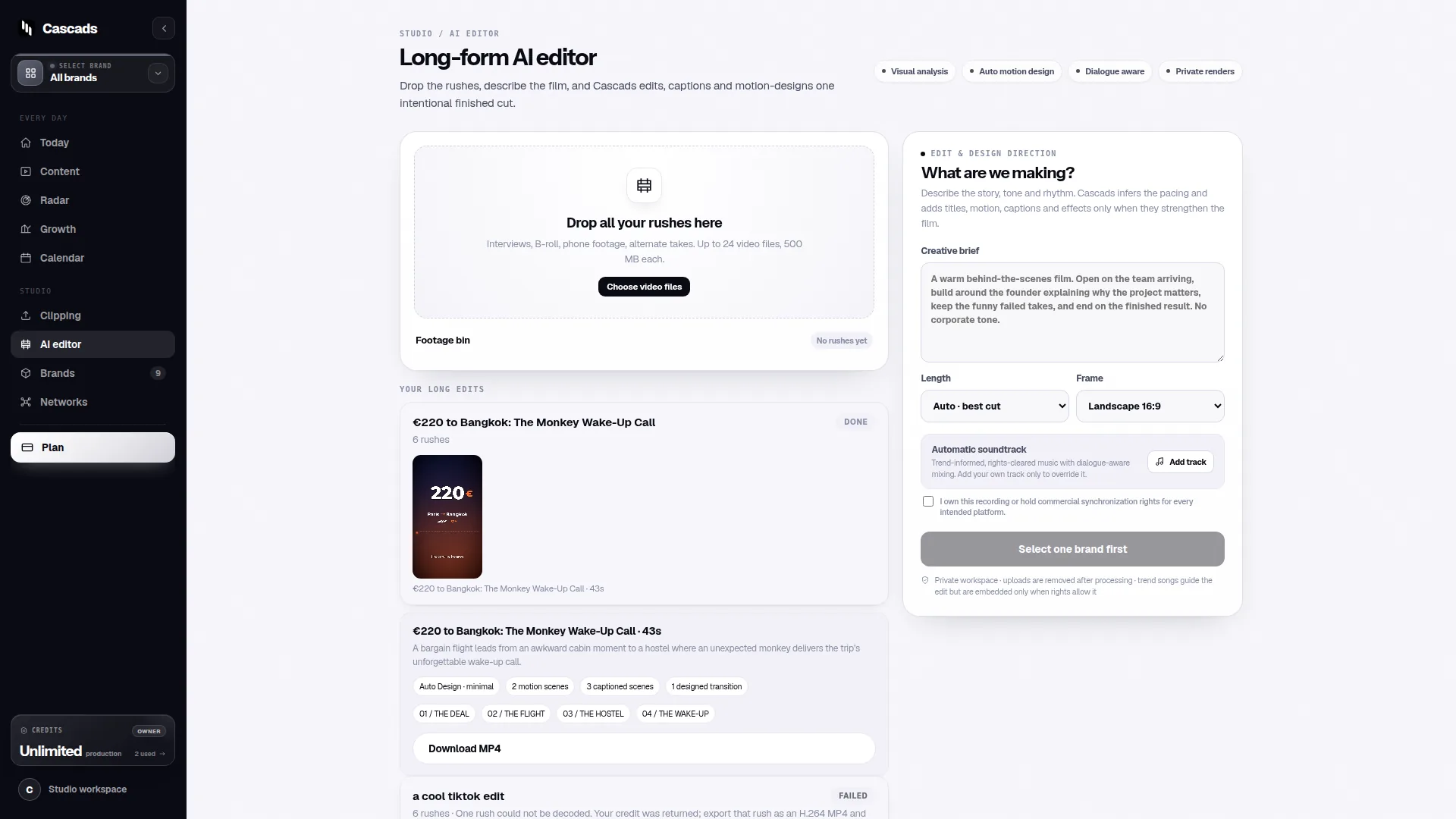
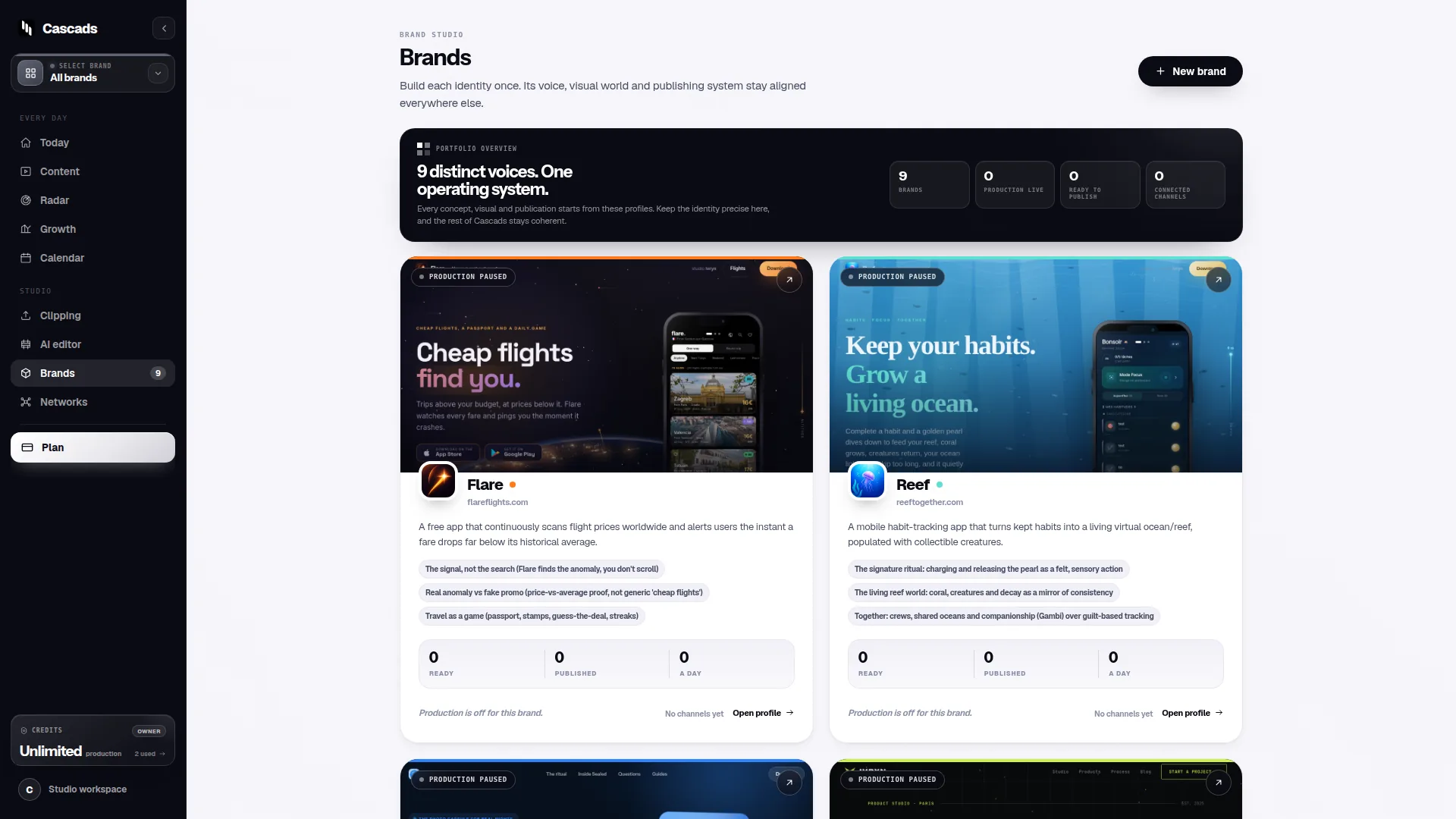
Cascads is built for small teams and agencies who need to produce social content, text posts, vertical videos and carousels, from a reusable profile set up once per brand, rather than starting from a blank page for every post. That reusable profile is the practical answer to the brand-context problem raised above: it's what lets a team keep several clients' tone and visual identity distinct without rebuilding settings for each post.
Because Cascads generates multi-format content rather than only queueing pre-made assets, it addresses the format gap that many free schedulers leave open. That said, the same platform-level limits described earlier still apply here: whether a given post publishes automatically depends on the network, the media format, the account's granted permissions, and that platform's own approval process, and generated content is meant to go through human review before it's published, not to bypass that step.
In other words, evaluating Cascads against the checklist above is the same exercise as evaluating any other tool: check what brand context it stores, what formats it actually produces, whether review is built in, and how it behaves when direct publishing isn't possible for a given post.
Free post schedule online: matching the tool to the workload
Once you've run a candidate tool through the checklist, the decision usually comes down to volume and format mix rather than price alone. A single-brand user posting occasional text updates may genuinely be well served by a free tier indefinitely. A team juggling several brands, mixed formats, and an approval chain is more likely to hit the ceiling of a free plan within weeks, at which point the real comparison is between paying for a workflow that fits versus continuing to patch gaps manually.
It's worth resisting the temptation to pick a tool based on the free tier's account limit alone. A scheduler that supports ten accounts but no video, or no review step, may create more manual work than one with a lower account cap but better format and workflow fit. Matching the tool to the workload, rather than to the sticker price, is the more durable decision criterion for commercial investigation of this kind.
- Estimate monthly post volume per brand across all formats before comparing tiers
- Weight format support (video, carousel) as heavily as account count
- Confirm whether a review/approval step exists before scaling up usage
When to move beyond a free tier
There's no fixed threshold at which a free post schedule online stops being adequate, but a few signals tend to recur: recurring manual workarounds for formats the free tool doesn't support, spending more time reformatting content per brand than actually reviewing it, or repeatedly discovering that a scheduled post didn't publish because of a permission or format restriction the tool didn't flag in advance.
At that point, the cost comparison isn't just plan price versus plan price, it's the ongoing cost of manual work against the cost of a paid workflow that handles brand context and multi-format production natively. That's a budgeting question specific to each team's volume and staffing, not something a general article can answer definitively.
Frequently asked questions
Does a free post schedule online guarantee that posts publish automatically?
No. Automatic publishing depends on the social network's rules, the media format, the permissions granted on the connected account, and that platform's own approval process for automated posting, regardless of which scheduling tool, free or paid, you use.
Can free scheduling tools handle vertical video and carousels?
Support varies and changes over time; many free tiers are limited to text and static images, while video and carousel scheduling or generation is more commonly found in paid tiers. Check the current feature list of any specific tool rather than assuming.
Should generated or scheduled social posts still be reviewed by a person before publishing?
Yes. Whether content is manually written or generated from a brand profile, a human review step before publication helps catch tone, accuracy or formatting issues that automated scheduling won't detect on its own.
Sources and further reading
These resources provide the wider reference frame. Product statements on this page are limited to the public information provided by Cascads.