What “best social media automation software” should mean for your team
The best social media automation software is not simply the tool with the longest feature list. For a small team or agency, it should reduce repeated production work while preserving the decisions that make each brand recognisable: its audience, voice, offers, visual direction and approval rules.
Start with the workflow you need to run. A team managing several brands may need reusable brand context, a way to create different content formats, an organised review step and a realistic route to publication. If one of those stages remains disconnected, automation can move work around rather than remove it.
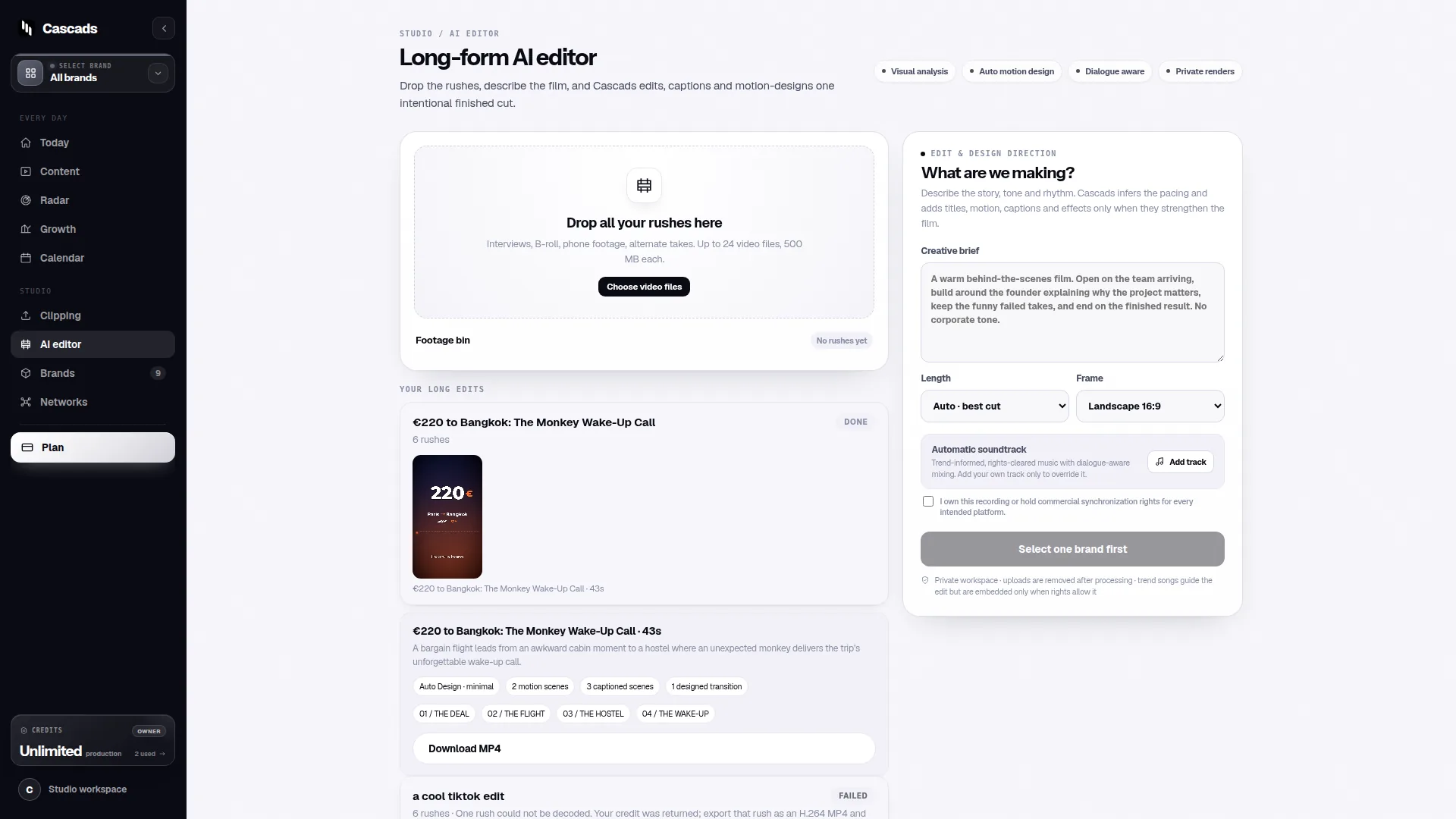
Cascads is an IVRYN product for social content production and scheduling. Its public product context is generating text posts, vertical videos and carousels from a reusable profile for each brand. That makes it relevant to teams evaluating a content workflow, but it does not remove the need to check what each social network and account can publish directly.
- Define the brands, networks and formats your team actually supports.
- Separate content generation needs from publishing permissions.
- Treat review and approval as a required workflow stage, not an optional handoff.
Evaluate automation around brand context, not just prompts
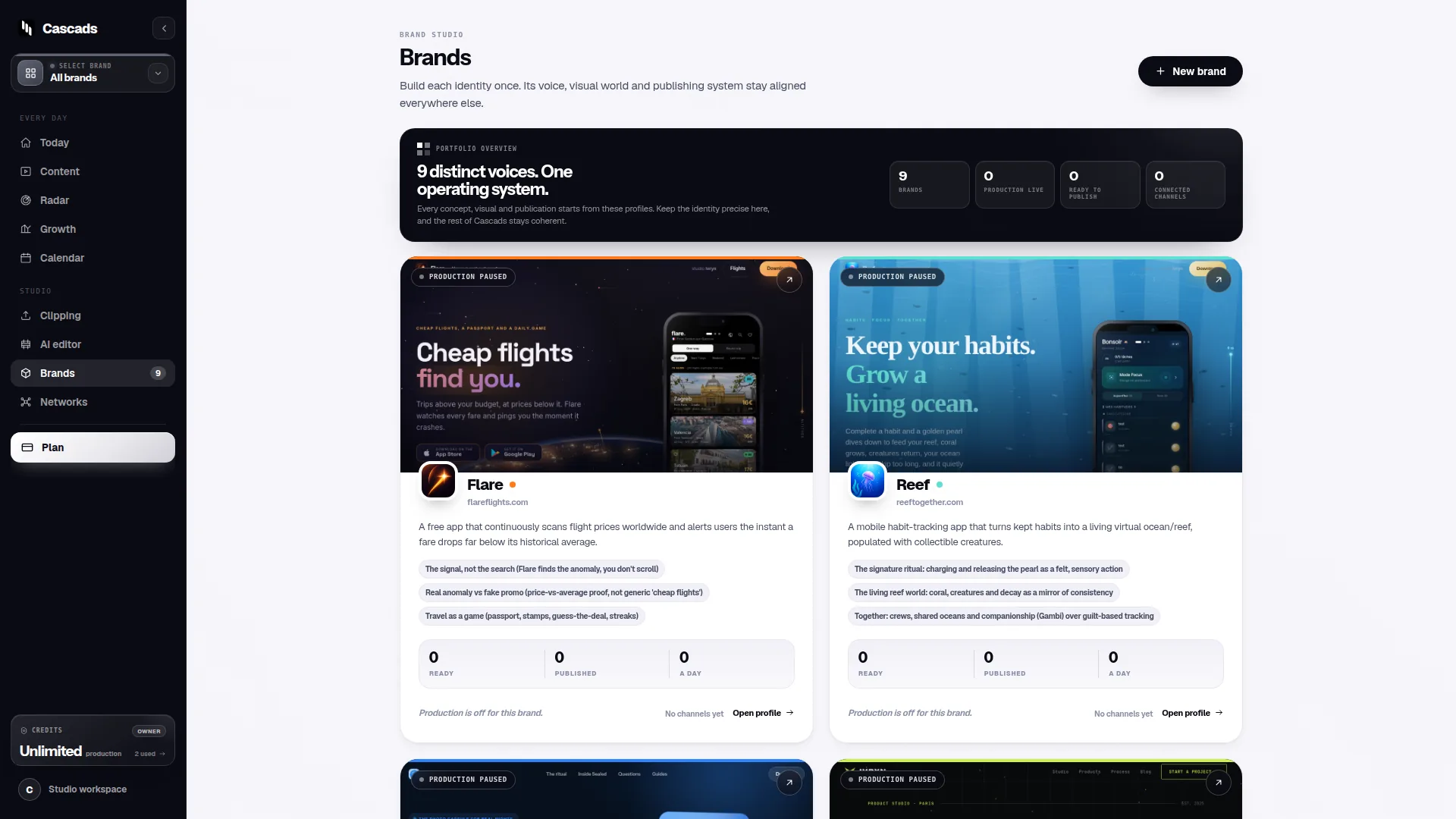
A reusable brand profile can give repeated content work a more consistent starting point. Before choosing software, identify the context that should travel with each request: positioning, audience, tone, approved topics, prohibited claims, calls to action and visual conventions. This is especially important when one agency team works across brands with different risk tolerance or editorial styles.
Automation should help a team apply that context repeatedly, but it should not turn a brand profile into an unchangeable script. Campaign goals, seasonal messages and network conventions can require different language or creative choices. The useful question is whether the workflow makes brand context available while leaving room for an editor to adjust the output.
Cascads’ public description centres on creating text posts, vertical videos and carousels from a reusable profile for each brand. When comparing options, ask whether the system supports the formats you publish most often and whether people can inspect the generated material before it reaches a live account.
- Can each brand maintain distinct reusable context?
- Can an editor revise generated copy and creative before approval?
- Can the team distinguish evergreen guidance from campaign-specific instructions?
Best social media automation software needs multi-format planning
A posting calendar alone is not a complete social content workflow. Different networks and placements may call for text, vertical video or carousel content, and a single campaign idea often needs format-specific adaptation. The right automation setup should make those differences visible before the publishing stage.
Do not assume that an asset suitable for one placement will be suitable everywhere else. Copy length, aspect ratio, captions, media rules and account permissions can affect whether a post can be scheduled, directly published or must be handled another way. Format-aware planning prevents the team from discovering those constraints only at the final handoff.
For teams using Cascads, the relevant public capability is multi-format generation from a reusable brand profile: text posts, vertical videos and carousels. The practical limit is that direct publishing depends on the network, media format, account permissions and external platform approval. A content plan should therefore include a fallback path for formats or destinations that cannot be directly published.
- List each intended network beside its intended content format.
- Confirm publication requirements before committing a campaign deadline.
- Keep source files and final approved assets available for manual publishing when needed.
Build human review into the automation workflow
Automation can speed up drafting and scheduling, but generated marketing output remains subject to human review before publication. This is a core operating principle, not a disclaimer to add at the end of a process. Reviewers check whether the content is accurate, appropriate for the brand and suitable for the planned audience and format.
A useful approval workflow specifies more than a single approver. It identifies who can edit, who checks brand and factual claims, who gives final approval and what happens when a post changes after approval. The review approach described in Cascads’ public social media approval workflow guidance can help teams make those responsibilities explicit rather than relying on informal messages.
For agencies, clarity also protects client relationships. A schedule may show that a post is prepared, but that should not be confused with client approval or confirmed publication. Use clear statuses that separate draft, under review, approved, scheduled and published or awaiting manual action.
- Assign an owner for brand and factual review.
- Record final approval before a post is sent to a publishing step.
- Require re-review when meaningful copy, media or targeting context changes.
Example: a decision aid for a three-brand agency
Example: imagine an agency managing three brands across two networks. One brand primarily needs educational text posts, another needs campaign carousels and the third needs vertical videos. The agency wants quicker production without losing each client’s voice or assuming that every approved item will publish automatically.
The agency can evaluate a candidate workflow against four questions: Can it retain separate reusable brand context? Can it produce the formats required? Can the team review and approve each item? Can the intended account, network and media format be published directly under current permissions and platform approval? A “no” to the final question is not necessarily a reason to reject the workflow; it is a reason to define a manual publishing handoff.
For this example, Cascads may fit the production side where the brands need text posts, vertical videos and carousels generated from reusable profiles. The team would still verify publishing conditions for each destination and retain human approval before any publication. This is a planning example, not a claim that one workflow will produce a particular outcome.
- Score each workflow area as ready, needs setup or requires a manual fallback.
- Test one representative content item per brand and format during internal evaluation.
- Document who completes the final publishing action when direct publishing is unavailable.
Use publishing limits as selection criteria
Publishing integrations should be assessed with the same care as content generation. Cascads’ public social media publishing integration checklist highlights the need to consider the intended network, account access, media format and approval conditions. These are operational dependencies, so they can change the route from an approved post to a live post.
Ask a vendor or review your own account setup using concrete scenarios instead of broad questions such as “Does it publish to social media?” For example, specify the network, account type, desired media format, whether the post contains video or multiple assets, and which person has the required permissions. That produces a more useful answer and makes exceptions easier to manage.
The best choice is often the one whose limits your team can describe clearly. A reliable workflow tells editors what happens next when direct publication is supported, when it needs further approval and when a colleague must publish manually. It avoids promising seamless automation where external platform conditions determine the result.
- Verify account-level access before onboarding a client or campaign.
- Confirm whether each planned media format follows the intended publication path.
- Review integration conditions periodically, especially after platform or permission changes.
Frequently asked questions
What is the best social media automation software for a small team?
The best option is the one that supports your actual brands, required content formats, human approval process and realistic publishing conditions. Evaluate reusable brand context, editing and review controls, and whether each network and format can follow the publication path you need.
Can social media automation software publish every post automatically?
No. Direct publishing can depend on the social network, media format, account permissions and external platform approval. Keep a manual publishing fallback for posts or destinations that do not meet the applicable conditions.
Should AI-generated social posts be reviewed before publishing?
Yes. Generated marketing output should be reviewed by a person before publication to confirm brand fit, accuracy, appropriateness and format-specific readiness.
Sources and further reading
These resources provide the wider reference frame. Product statements on this page are limited to the public information provided by Cascads.